Self Hosted AI in 2026: Own Your Models, Agents, and Data
Self-hosting AI is no longer just for homelab owners. Use this guide to choose what to self-host, where to run it, and how to keep agents useful with approval gates.
Self hosted AI is not one thing. It can be a local model on your desk, a private OpenClaw agent on a VPS, a full assistant stack, or a hybrid setup that keeps your memory and files under your control while borrowing frontier models for the hard reasoning. This guide sorts out what you can realistically run yourself, what it costs in hardware and skill, and the two sane places to run it: a private VPS you control or hardware you own.
Self-hosted AI means running your AI interface, agent runtime, memory, files, or model layer on infrastructure you control, such as a private VPS or hardware you own. It is best for professionals and owners who want privacy, data ownership, cost control, continuity, and less vendor lock-in.
What Self-Hosted AI Means in 2026#
Search for self hosted AI and page one hands you a mess: chat interfaces, model runners, agent runtimes, GPU operating systems, and LLM gateways, all wearing the same label. They are different layers of a stack, and knowing which layer you actually want is the whole game.
Here is the clean definition. Self-hosting AI means some meaningful part of your AI system, the interface, the model runtime, the agent runtime, the memory, the files, the vector database, or the workflow layer, runs on infrastructure you control. That can be every layer at once, or just the ones that matter most to you.
The audience for this has widened. It used to be homelab hobbyists. Now it is privacy-conscious professionals, business owners, and technical-curious buyers who want control without giving up modern model quality. The demand is not fringe: Open WebUI, the most popular self-hosted AI interface, reports over 355 million downloads, 452 thousand community members, and 145 thousand GitHub stars.
And the practical win is not ideology. It is control over three specific things: where your data lives, what your AI can access, and which actions need your approval before they happen. Everything in this guide comes back to those three.
Why Self-Host AI: Privacy, Ownership, Cost Control, and Continuity#
Four motivations show up again and again when people move off pure SaaS AI. Each one is a concrete buying criterion, not a vibe.
Privacy. When memory, files, logs, and integrations sit on your private VPS or your own hardware, fewer prompts and documents leave your control. The reference point here is real: Open WebUI's docs state that all data, including login details, is stored locally by default and that the platform makes no external requests by default. Its FAQ goes further: it can run offline and in air-gapped networks entirely on local hardware.
Ownership. Your prompts, embeddings, workflows, and agent memory are not trapped inside a SaaS account you rent. If you ever switch tools, you migrate files and a database, not beg an export API for scraps.
Cost control. You choose when a cheap local model is good enough, when a task deserves a paid frontier API call, and where to cap usage. The meter is in your hands.
Continuity. Vendors change pricing, remove features, limit accounts, and rewrite data policies. A system you host keeps working on your terms while you decide how to respond.
- ·Chat history and memory live in a vendor account
- ·Pricing, features, and data policy can change under you
- ·Every prompt and file routes through someone else’s servers
- ·Losing the account means losing the workflows built on it
- ▸Memory, files, and logs sit on your VPS or your hardware
- ▸You pick the model per task: local, hosted, or hybrid
- ▸Credentials and integrations stay inside your perimeter
- ▸Migration means moving a database, not starting over
What You Can Self-Host: Models, Agents, Interfaces, and Assistant Stacks#
Most articles blur these layers together, which is how people end up buying a GPU to solve a problem a 5 dollar VPS could handle. Separate the stack first, then pick tools.
A model runtime runs self-hosted AI models on your machine through tools like Ollama, LM Studio, llama.cpp, vLLM, or SGLang. An interface like Open WebUI gives you a private chat experience over local or cloud models. An agent runtime such as OpenClaw adds the parts that make AI useful for real work: tools, memory, permissions, and workflows that can take controlled action. A full self-hosted AI assistant stack combines interface, agent, memory, files, a model provider, backups, and security controls.
The workflow and data layers round it out. For automation-heavy builds, n8n's self-hosted AI starter kit bundles n8n, Ollama, Qdrant, and PostgreSQL in one Docker Compose template. On the agent side, OpenClaw's provider docs show support for Ollama, vLLM, SGLang, custom providers, and any OpenAI-compatible server, so the same agent can sit on top of whichever model layer you choose.
The choice is rarely all-or-nothing. The most common serious setup self-hosts the agent and data layers, then routes model calls wherever quality and sensitivity demand.
Self-Hosted AI Models: Honest Capability Tiers#
This is where most self-hosting AI advice gets overconfident, so let's be blunt about what hardware buys you. Ollama's documentation recommends at least 8GB of RAM for 7B models, 16GB for 13B models, and 32GB for 33B models. Small models handle private drafting, extraction, summarization, simple coding help, and retrieval workflows well. Larger open-weight models need serious RAM, VRAM, or unified memory, and can still trail frontier cloud models on complex reasoning.
| Tier | Where the model runs | Hardware expectation | Best uses | Tradeoffs |
|---|---|---|---|---|
| Lightweight local | CPU on a modest machine or VPS | 8GB+ RAM for 7B-class models | Private drafts, tagging, extraction, summaries | Slower, weaker on multi-step reasoning |
| Consumer GPU / Apple Silicon | Your desktop or a mini PC | 16-32GB RAM or unified memory | Fast local chat, coding help, RAG over your files | Model size still capped, hardware cost up front |
| Private GPU server | A GPU box you own or rent privately | Dedicated VRAM, real cooling and power | Larger open-weight models, team inference | Cost and ops burden rise quickly |
| Hybrid with frontier cloud | Agent and data on your VPS, reasoning via API | No GPU needed, any small VPS works | Best model quality with a private data plane | Prompts you route to a provider are seen by it |
Note the last row carefully, because it breaks the assumption that self-hosting requires a GPU at all. A VPS can run your assistant, agent, memory, and integrations with no GPU anywhere in sight, as long as the model plane calls cloud APIs. And keep the distinction straight: self-hosted AI models generate outputs, while self-hosted AI agents use tools and permissions to act. The next two sections cover each half.
Self-Hosted AI Agents: Why OpenClaw Is Different From a Chatbot#
A chatbot answers. An agent plans, uses tools, reads and writes files, searches memory, and triggers workflows inside permission boundaries. If you only want private chat, an interface plus a model runtime covers it. If you want AI that finishes work, you want self-hosted AI agents, and that is where OpenClaw earns its place in this guide.
OpenClaw is an open-source agent runtime you run on your own infrastructure. It connects to your email, calendar, files, and messaging channels, keeps its own memory, and runs scheduled jobs. Its built-in memory engine stores its index in the agent's own SQLite database under your OpenClaw directory, and file changes trigger reindexing. Translation: what your agent knows lives in a file you can inspect, back up, and delete. That is what data ownership looks like in practice. For a deeper walk through the paradigm, see What Is Agentic AI?
Capability without control is a liability, so the runtime matters less than the gates you put in it. The pattern that works: let the agent read, draft, and prepare freely, then require human approval before anything risky executes.
Approval gates belong in front of sending email, deleting files, spending money, running shell commands, and changing settings. Everything upstream of the gate, reading, summarizing, drafting, researching, can run without friction. That split is what makes an agent with real access safe enough to trust with real work. If you want the full security breakdown, read Is OpenClaw Safe?
The Hybrid Model: Self-Host the Data Plane, Choose the Model Plane#
Here is the nuance almost every page-one result misses, and it changes the entire buying decision. Self-hosted does not have to mean every model runs locally. Split the system into two planes and the options get much better.
The data plane is where your memory, files, logs, vector indexes, credentials, integrations, and databases live. The model plane is where reasoning happens: a local model, a private inference server, or a cloud API. A self-hosted agent calling a cloud model is still a self-hosted AI architecture, as long as the data plane stays on your private VPS or your own hardware. The provider sees the prompts you choose to send it. It does not hold your memory, your files, or your keys.
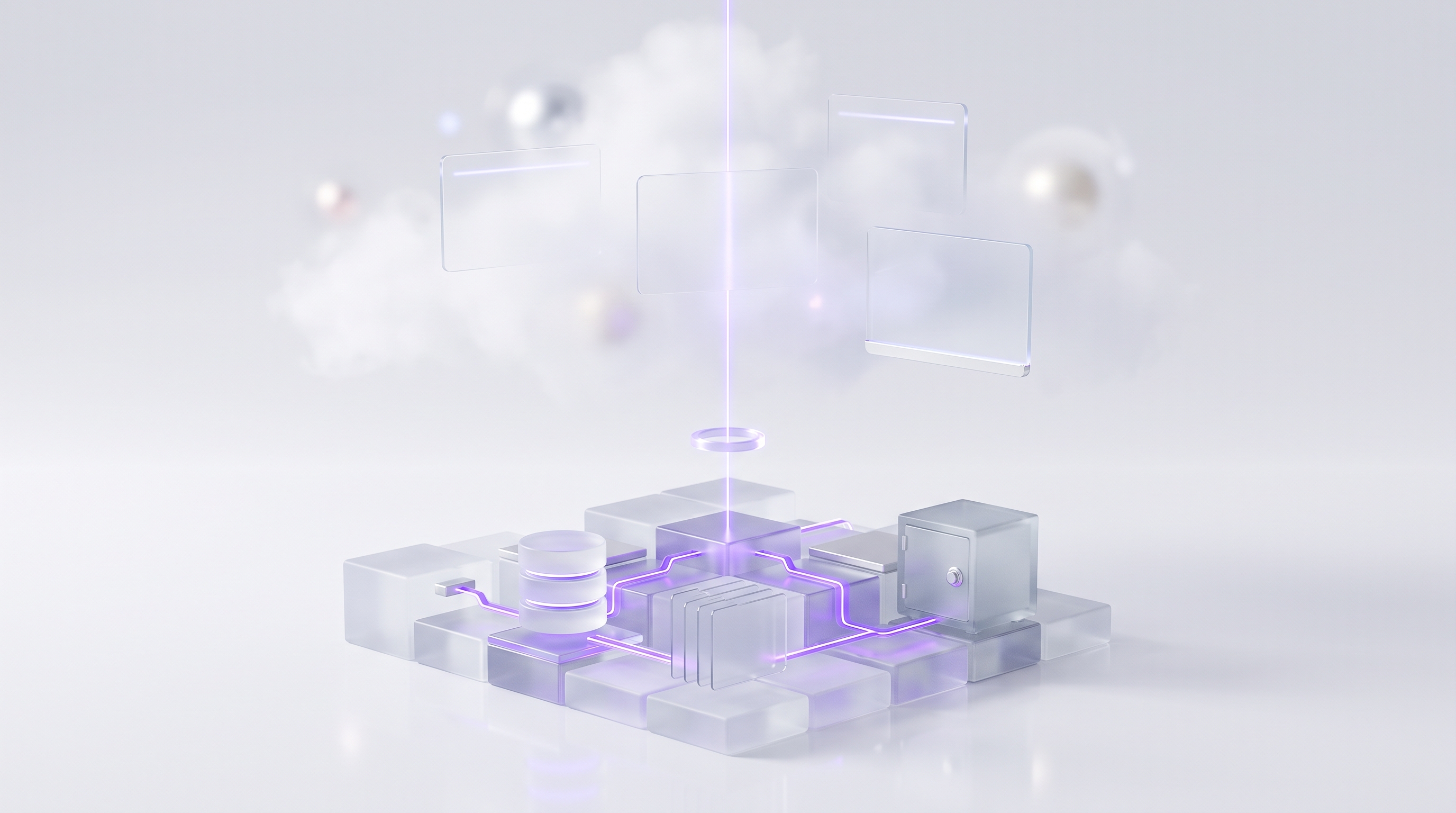
OpenClaw was built for exactly this routing. Its model provider system supports custom providers and OpenAI and Anthropic compatible proxies, and its local-model docs describe hybrid configurations with hosted models and local fallbacks, noting that local-only is the strongest privacy path. Even memory search is pluggable, with embedding providers ranging from OpenAI and Gemini to Ollama and LM Studio running locally.
The routing rule of thumb is simple:
- Local-only for the most sensitive work, where no prompt should leave your infrastructure.
- Hybrid for daily operations: private data plane, cloud reasoning for hard tasks, local models for routine ones.
- Hosted reasoning when output quality matters most and the prompt content is not sensitive.
Private VPS vs Client-Owned Hardware: Which Deployment Path Fits?#
Once you know what you are hosting, the question becomes where. There are two sane answers: a private VPS you control, or hardware you own. Those are also the only two paths ClearSetup deploys on, deliberately, because they are the ones where you actually hold the keys.
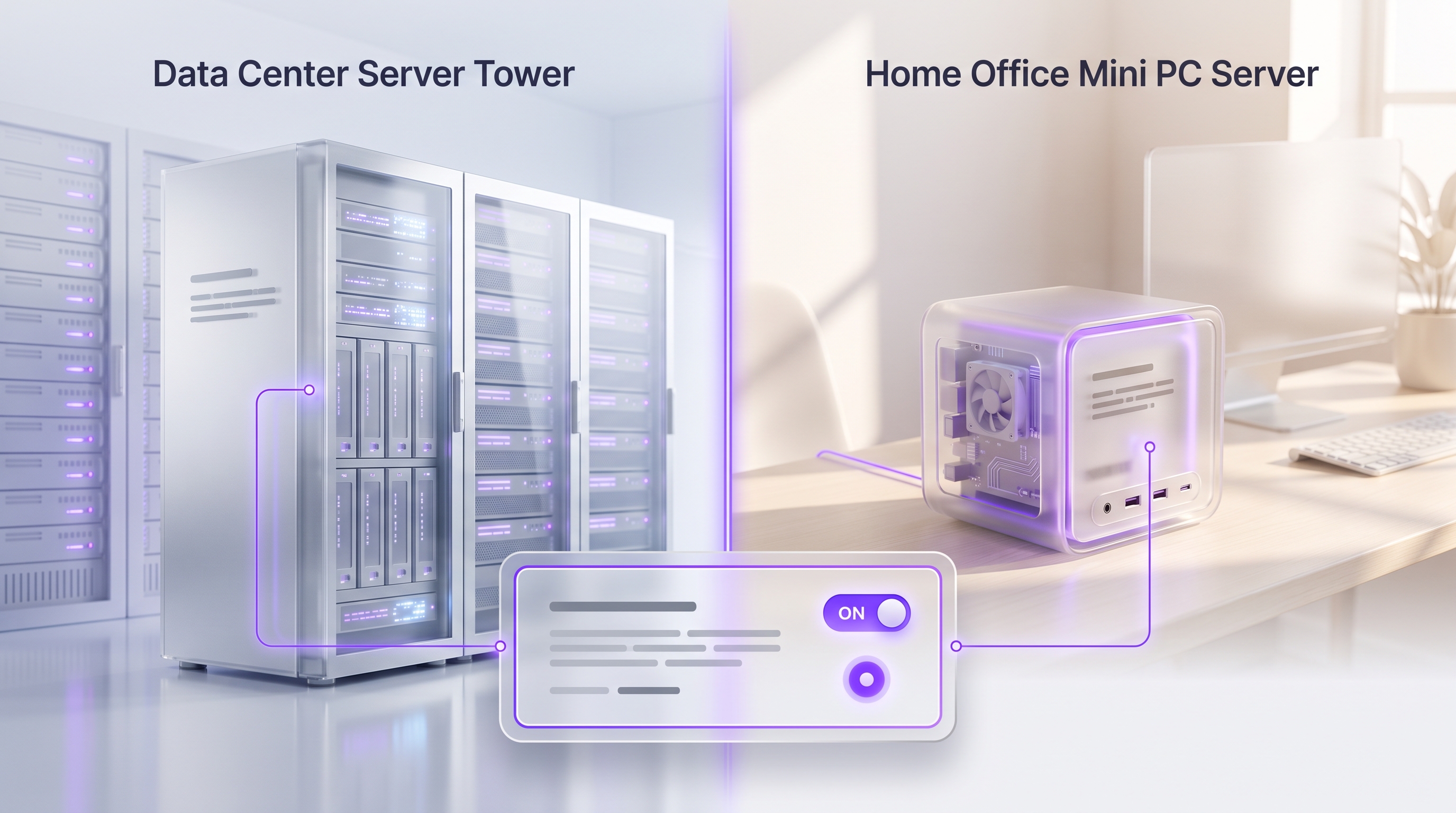
| Path | Best for | Strengths | Limits | Hardware need |
|---|---|---|---|---|
| Private VPS you control | Remote access, always-on agents, small teams | Uptime, snapshots, easy backups, reachable anywhere | Local model inference limited without GPU plans | A modest VPS, no GPU required for hybrid setups |
| Client-owned hardware | Physical control, local network access, local inference | Strongest physical ownership, can run air-gapped | You handle power, uptime, and remote reachability | A capable machine, RAM or GPU scaled to your models |
| Hybrid: local data, cloud models | Best quality with a private data plane | Frontier reasoning without shipping your files anywhere | Routed prompts are visible to the model provider | Either path above, GPU optional |
The VPS path surprises people. Because the agent, assistant interface, memory, database, reverse proxy, and backups are all light workloads, a small VPS handles the entire data plane while cloud APIs carry the reasoning. The owned-hardware path wins when physical control is the point, when the agent needs your local network, or when you want local inference. Fully offline operation is realistic at this tier: Open WebUI documents air-gapped operation with no external calls by default, and Ollama's RAM guidance above tells you what the box needs.
The Practical Self Hosted AI Starter Kit#
The phrase self hosted AI starter kit usually points at n8n's popular Docker Compose template, which bundles n8n, Ollama, Qdrant, and PostgreSQL, with n8n's 400+ integrations on top. It is a genuinely useful proof of concept. It is also, by n8n's own framing, not optimized for production. Treat any starter kit as the demo, not the deployment.
A setup you can rely on has more pieces, in a specific order:
- 1Infrastructure
A private VPS you control or a machine you own. Lock down SSH, enable a firewall, create a non-root user.
- 2Containers and networking
Docker, a reverse proxy, SSL certificates, and DNS so services are reachable safely.
- 3The agent or assistant layer
Install OpenClaw for an agent that acts, or an interface like Open WebUI for private chat. Our OpenClaw install guide covers the agent path step by step.
- 4Model provider routing
Point the stack at Ollama for local models, a cloud API for frontier reasoning, or both with fallbacks.
- 5Memory and data
Wire up the database, vector store, and file workspace so the system learns your context.
- 6Scoped credentials and approval gates
Least-privilege access to email, calendar, and files. Human approval required before send, delete, spend, or execute.
- 7Backups, updates, monitoring
Scheduled backups you have actually test-restored, patch routines, and alerts. This step is what separates a toy from a tool.
If you want the full agent-path walkthrough, the OpenClaw install guide takes you from blank server to working agent. The setup is not done until updates, backups, credential rotation, restore testing, and permission boundaries are all in place. That sentence is boring, which is exactly why it is the one that matters.
Security Basics: Keys, Permissions, Approval Gates, and Updates#
Self-hosting moves security responsibility onto you, and agents raise the stakes. Security research on OpenClaw-style agents is direct about why: persistent memory, multi-channel interaction, skill orchestration, and autonomy enlarge the attack surface compared to a plain chatbot. That is not a reason to avoid agents. It is a reason to run them with controls.
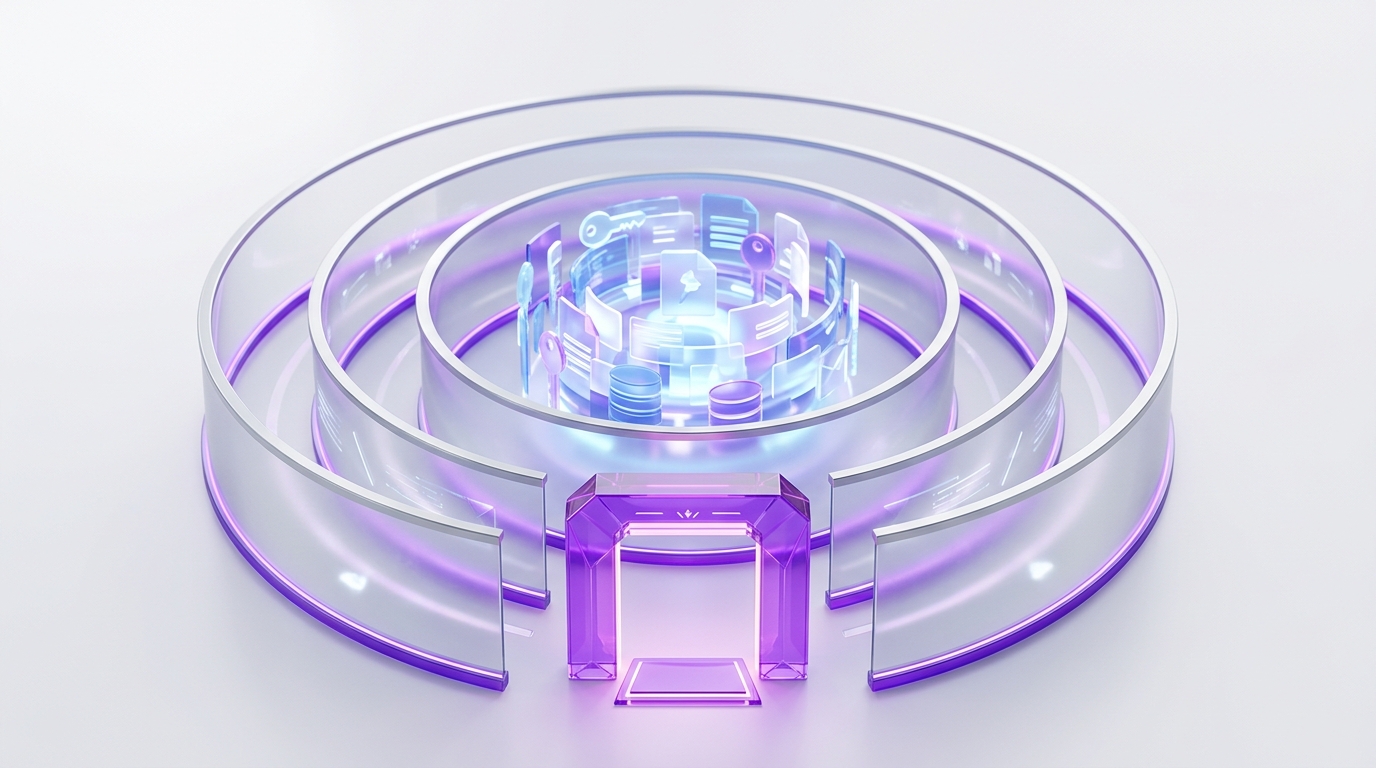
The baseline controls, in priority order:
- Keys. API keys and OAuth tokens go in environment secrets or a secret store, never in prompts, shared notes, or loose files.
- Least privilege. Give the agent the narrowest access to files, mailboxes, calendars, shells, and databases that still gets the job done. Widen scopes only when a workflow proves it needs more.
- Approval gates. Require a human sign-off for sending email, deleting files, spending money, changing permissions, installing packages, or running shell commands. Reading and drafting stay free.
- Updates. Patch containers, dependencies, model servers, agent runtimes, and reverse proxies on a schedule, not when you remember.
- Logs. Record tool calls and agent actions so you can audit what happened. An agent you cannot audit is an agent you cannot trust.
None of this is exotic. It is the same discipline any small server deserves, applied to a system that can act. The difference between a risky setup and a safe one is rarely the software. It is whether someone did this list.
DIY vs ClearSetup Done-for-You Setup#
Honest fork in the road. If you can comfortably maintain Docker, DNS, SSL, reverse proxies, firewalls, updates, backups, secrets, and restores, the DIY route is real and rewarding. Start with the starter kit sequence above and our guide on how to build an AI agent, and budget a few weekends for the learning curve.
If that list reads like a second job, that is the honest signal to delegate the plumbing and keep the ownership. This is exactly what ClearSetup does: deploy OpenClaw on your private VPS or your client-owned hardware, configure model providers and routing, set up memory and files, connect your tools with scoped credentials, and put approval gates in front of anything risky. You end up owning the system either way. The difference is who spends the weekends debugging it.
| Route | Best fit | What you handle | Main risk | Next step |
|---|---|---|---|---|
| DIY | Technical users who enjoy infrastructure | Everything: setup, security, backups, updates | Half-finished setups with exposed services | Follow the starter kit sequence above |
| ClearSetup on your private VPS | Owners who want a remote, always-on assistant | Using the assistant, approving gated actions | Minimal, ops handled at setup with docs handed over | Book a free setup call |
| ClearSetup on hardware you own | Buyers who want physical control or local inference | The machine stays powered and connected | Hardware sizing, solved in scoping | Book a free setup call |
Either ClearSetup path ends the same way: a working self-hosted AI assistant, access documentation in your hands, backup basics in place, update guidance, and permission boundaries you understand. No dependency on us to keep running, because you own the infrastructure and the credentials.
What Not to Self-Host#
Boundaries save money and prevent incidents. Four things stay off the menu for almost everyone:
- Frontier-scale model training. Unless you already operate serious GPU infrastructure, training large models is a research budget, not a home project. Run open weights, rent inference, or route to APIs instead.
- Publicly exposed AI services. Never put Ollama, Open WebUI, OpenClaw, or any model API on the open internet without authentication, TLS, and firewall rules. Unprotected endpoints get found fast.
- Unrestricted agent permissions. No blanket file-system, shell, payment, mailbox, or admin access. The research on agent attack surfaces cited above exists because people skip this one.
- A no-backup setup. Running locally or on a private VPS does not make data safe. Disks fail and mistakes happen. Backups plus a tested restore are non-negotiable.
Recommended Blueprint: Start With Control, Then Add Power#
Pulling it all together, the rollout that works starts with ownership and adds capability in phases, instead of chasing maximum power on day one.
Phase 1: deploy the runtime. Get OpenClaw or your assistant stack running on a private VPS or hardware you own. Phase 2: anchor the data plane. Memory, files, credentials, logs, and integrations live on your infrastructure from the first day. Phase 3: route the model plane. Local models for sensitive work, frontier cloud models for hard reasoning, hybrid fallbacks for resilience. Phase 4: harden before you expand. Approval gates, audit logs, backups, update routines, and a restore test, all in place before you hand the agent more autonomy.
Read my inbox and calendar each morning and prepare a prioritized brief with draft replies for routine messages. Never send, delete, or spend without my explicit approval.Self-Hosted AI: Frequently Asked Questions#
What is self hosted AI?
Self hosted AI means running the AI interface, agent runtime, memory, files, workflows, or model layer on infrastructure you control. That can be a private VPS, hardware you own, or a hybrid setup where your data plane stays private while selected model calls go to a cloud provider.
Can self-hosted AI still use OpenAI, Anthropic, or other cloud models?
Yes. A self-hosted AI agent can keep memory, files, credentials, logs, and integrations on your VPS or hardware while sending selected prompts to OpenAI, Anthropic, or another provider. The provider still sees the prompts you send, so routing rules and approval gates matter.
What can I realistically self-host in 2026?
Chat interfaces, open-weight model runners, OpenClaw-style agent runtimes, workflow tools, vector stores, databases, file indexes, and full assistant stacks. Most strong setups self-host the agent and data layer, then choose local or cloud models per task based on sensitivity.
What is the difference between self-hosted AI models and self-hosted AI agents?
A model generates text, code, images, or structured outputs. An agent uses a model plus tools, memory, permissions, workflows, and approval gates to take action. That is why self-hosted AI agents need tighter security planning than a local chatbot.
Do I need a GPU for self hosted AI?
Not always. An assistant, OpenClaw agent, memory layer, database, and integrations all run on a VPS or local machine without a GPU when the model plane uses cloud APIs. You need stronger local hardware only when you want fast local inference with larger open-weight models.
How much RAM do local AI models need?
Ollama’s baseline guidance is at least 8GB of RAM for 7B models, 16GB for 13B models, and 32GB for 33B models. More RAM, VRAM, or unified memory helps with larger models, longer context windows, and faster responses.
Should I use a private VPS or hardware I own?
Use a private VPS when you want easier remote access, uptime, snapshots, backups, and team use. Use hardware you own when physical control, local network access, or local model inference is the priority. ClearSetup deploys on both: your private VPS or your own hardware.
Is self-hosted AI more private?
It can be, when the architecture keeps memory, files, logs, embeddings, and integrations on infrastructure you control. If you call a cloud model, that provider receives the prompt you send. The private design choice is separating the data plane from the model plane and routing intentionally.
Is self-hosting AI safe?
It can be safe, but it raises your operational responsibility. Treat agents as permissioned systems, not magic assistants. Use least-privilege credentials, private networking, TLS, backups, update routines, audit logs, and approval gates for actions that can delete, send, spend, change, or execute.
What is the easiest self hosted AI starter kit?
For technical users, n8n’s starter kit is a useful proof of concept: a Docker Compose template bundling n8n, Ollama, Qdrant, and PostgreSQL. For professionals who want the outcome without the infrastructure work, the easier path is a done-for-you setup on a private VPS or hardware you own.
Can ClearSetup install a self-hosted AI assistant for me?
Yes. ClearSetup deploys a self-hosted AI assistant or OpenClaw agent on your private VPS or your client-owned hardware, configures model providers, sets up memory and files, and adds approval gates so risky actions always require your sign-off.
The Bottom Line on Self-Hosted AI#
Self hosted AI in 2026 is not a purity test about running every model on your own silicon. It is an ownership decision: put the layers that hold your data, memory, credentials, and integrations on infrastructure you control, then route reasoning wherever it serves you best. Get that architecture right and vendor changes become routing changes instead of emergencies.
- Self-hosted AI is a stack, not a product: interface, agent runtime, model runtime, workflows, and data can each be owned separately.
- The hybrid pattern wins for most people: self-host the data plane on a private VPS or your hardware, choose the model plane per task.
- No GPU is required for a hybrid agent setup. Local inference needs real RAM: 8GB+ for 7B models, 32GB for 33B, per Ollama’s guidance.
- Agents act, so they need controls chatbots do not: scoped credentials, audit logs, and approval gates on send, delete, spend, and execute.
- Starter kits are proofs of concept. Production means backups, updates, restore tests, and permission boundaries.
ClearSetup deploys a self-hosted AI assistant or OpenClaw agent on your private VPS or your client-owned hardware, with provider routing, local memory and files, backups, and approval gates configured from day one. Book a free setup call and own your AI stack.
Want your own OpenClaw AI agent, set up right?
We install, secure, and maintain your personal AI agent on private infrastructure, tuned to exactly how you work. You get the power without managing the setup.
Book Your Free Setup Call→The Owner's Guide to Adopting AI the Right Way
A short, practical guide for entrepreneurs: how to take charge of your AI, what your first AI agent should do, and the mistakes that cost months of rework. Get it free.