Personal AI Assistant in 2026: How to Get One That Actually Works
Most AI assistant tools answer prompts. A real personal AI assistant remembers how you work, connects to your accounts, runs proactive routines, and waits for approval before it touches anything risky.
Most tools sold as a personal AI assistant are really just chat windows. You type, they answer, and tomorrow they remember nothing. A real personal AI assistant is different. It keeps context, connects to your email and calendar, runs work on a schedule, and asks for your approval before it touches anything risky. This guide shows you how to tell the two apart, which category fits your situation, and the fastest way to get an AI assistant that actually earns its keep.
A personal AI assistant in 2026 is an AI agent that remembers your context, connects to your email, calendar, files, and messaging apps, runs proactive routines, and asks for approval before risky actions. The real version does work across your accounts, not just answers prompts in a chat window.
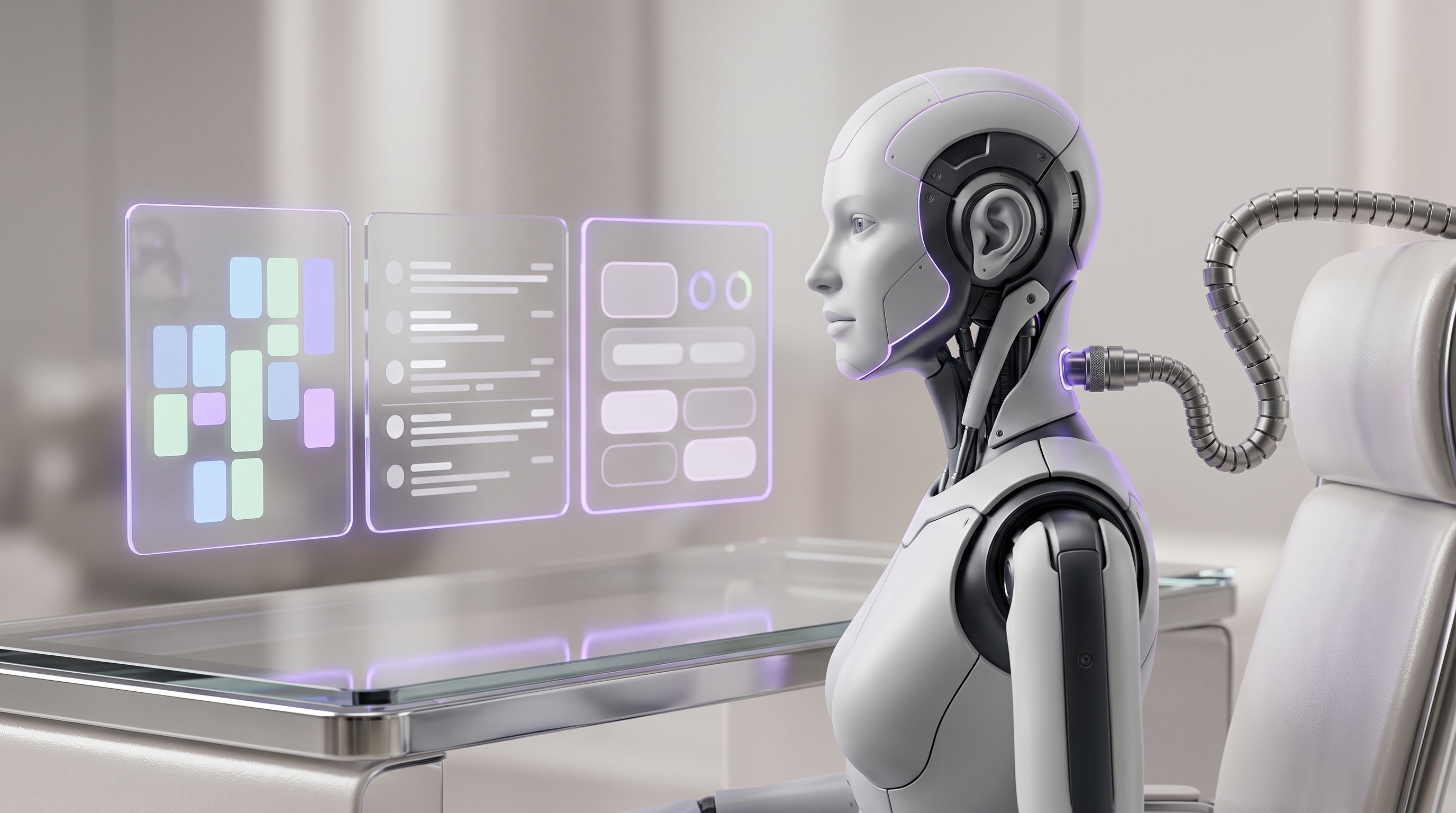
- A real personal AI assistant combines memory, connected accounts, proactive schedules, and approval gates.
- Chat apps like ChatGPT, Claude, and Gemini are strong at answers. They are not built to own your recurring work.
- An owned agent like OpenClaw runs on your infrastructure, reaches you through messaging apps, and keeps your context close.
- Approval gates are the safety layer: the assistant drafts freely, then waits for your sign-off before it sends, deletes, buys, or posts.
- If you want OpenClaw without the technical setup, ClearSetup installs, secures, and tunes it for you.
What a Personal AI Assistant Actually Is in 2026#
Start with the boring definition, because it sets the floor. TechTarget defines an AI assistant as software that uses artificial intelligence to understand natural language commands and complete tasks. That definition covers a lot of ground. Siri qualifies. So does a support chatbot. So does ChatGPT.
The floor is not the point. The point is the ceiling. In 2026, the bar for a personal AI assistant is much higher: persistent context that survives between conversations, access to your email and calendar, scheduled routines that run without a prompt, tool use that gets real work done, and approval gates that keep you in charge. An assistant is only useful when it combines reasoning, memory, connected accounts, and action. Remove any one of those and you are back to a clever chat window.
This distinction matters more now because everyone is using the basic version. Microsoft reported that roughly one in six people worldwide were using generative AI tools by the second half of 2025. The chat layer is table stakes. The advantage comes from the layer above it: an ai personal assistant that removes recurring work from your day instead of answering questions about it.
- ·Waits for you to prompt it
- ·Forgets your context between sessions or remembers fragments
- ·Drafts text you still have to move into email, calendar, and docs yourself
- ·Cannot check your inbox at 7am unless you open the app and ask
- ·Lives inside one vendor product on their terms
- ▸Remembers your preferences, people, and decision history
- ▸Connects to email, calendar, files, and messaging with scoped permissions
- ▸Runs scheduled briefings, triage, and monitoring without being asked
- ▸Prepares drafts and actions, then waits for your approval on anything risky
- ▸Can run on infrastructure you own, with context that stays close to you
Keep that split in mind for the rest of this guide. Every comparison, checklist, and red flag below comes back to one question: does this tool answer prompts, or does it do work?
The Capability Checklist: What a Real AI Personal Assistant Must Have#
Buying an ai personal assistant without a checklist is how you end up with a subscription you stop opening in three weeks. Use this table when you evaluate anything in the category. For each capability, run the buyer test yourself. Do not take the marketing page's word for it.
| Capability | Why it matters | Buyer test | Red flag |
|---|---|---|---|
| Persistent memory | Preferences, people, decision history, and communication style compound over time | Tell it something Monday. Ask about it Friday in a new conversation. | Memory resets per chat, or only stores fragments you cannot inspect or edit |
| Email and calendar access | Most recurring personal work lives in the inbox and the calendar | Ask it to summarize today’s meetings and flag the three emails that matter | It can only discuss email you paste in manually |
| Proactive schedules | A briefing you have to request is not a briefing, it is a chore | Set a recurring morning summary. See if it arrives without a prompt. | Hard caps on scheduled tasks, or no scheduling at all |
| Tool use | Reading files, browsing, and running workflows is where answers become action | Ask it to pull a fact from a file you did not attach to the chat | Every task requires you to upload, paste, or copy the result out by hand |
| Approval gates | You want drafts prepared freely and risky actions held for sign-off | Ask it to draft an email. Confirm it waits for approval before sending. | Full autonomy with no visible checkpoint, or no action ability at all |
| Audit trail | You need to see what it did, when, and why | Ask for a log of every action it took this week | No history of actions, only a chat transcript |
| Privacy control | Your inbox and files are sensitive. Training defaults and retention matter. | Find the data policy for connected accounts in under five minutes | Vague "your data is secure" language with no specifics |
The proactive row deserves a closer look, because mainstream tools are improving here but with real limits. ChatGPT Scheduled Tasks support one-off and recurring tasks, flexible scheduling, and notifications when meaningful changes occur. That is genuinely useful. But active task limits vary by plan, from 3 on Go up to 15 on Pro and Enterprise. If your ideal assistant runs a morning briefing, inbox triage, three monitors, and a weekly review, you can hit that ceiling fast.
Compare that with an agent platform built for this from the start. OpenClaw supports sessions, memory, tool use, and multi-agent routing according to its docs. Those are the primitives a real ai personal assistant is made of, and on your own infrastructure the task ceiling is yours to set.
Chat Apps, Voice Assistants, Workflow Agents, and Owned Agents Compared#
Most "best ai personal assistant" roundups compare tools that do not compete with each other. A meeting note-taker, a voice speaker, and an autonomous agent solve different problems. Before you pick a product, pick a category. Here is the honest map.
| Category | Strongest use case | Account access | Proactive work | Ownership | Best fit |
|---|---|---|---|---|---|
| Chat apps (ChatGPT, Claude, Gemini, Copilot) | Research, writing, coding, analysis | Growing via connectors | Limited scheduled tasks | Vendor-hosted | Anyone who mainly needs answers and drafts |
| Voice assistants (Siri, Alexa) | Hands-free commands, reminders, smart home | Shallow | Timers and routines only | Vendor-hosted | Quick commands, not deep personal workflows |
| Ecosystem assistants (Google, Microsoft) | Work inside one suite | Deep within their own suite | Improving | Vendor-hosted | People fully committed to one ecosystem |
| Workflow agents (Lindy, Motion, Zapier agents) | One repeatable SaaS process | Per-integration | Yes, per workflow | Platform owns the workflow surface | A single business process on rails |
| Meeting and inbox tools (Otter, Superhuman) | Notes, transcription, email speed | Narrow and specific | Within their niche | Vendor-hosted | A point solution, not an assistant |
| Owned agents (OpenClaw) | A personal AI assistant across all your accounts | You decide, per tool and scope | Unlimited schedules you define | Yours, on your hardware or VPS | Professionals who want control and depth |
The connector race is real, and it favors the big platforms on convenience. OpenAI lists business plugins for Google Drive, Gmail, Google Calendar, Outlook, SharePoint, Microsoft Teams, Slack, Dropbox, Stripe, GitHub, and more. Google says Gemini Connected Apps can reach Workspace data including Gmail, Calendar, Drive, Docs, Sheets, Tasks, Chat, and Meet. If your needs stop at "summarize my inbox when I ask," those connectors may be enough.
The last row is the one most roundups skip. OpenClaw is a self-hosted gateway that connects chat apps to AI agents. It is not another destination app. It turns the messaging apps you already use into the front door for an ai assistant that works across everything behind it. That architectural difference is the subject of the next section.
Why an Owned Agent Beats a Subscription Chatbot for Personal Work#
A subscription chatbot is convenient. You pay monthly, you get a polished app, and someone else handles the infrastructure. The tradeoff is that your personal workflows live inside someone else's product boundaries. Their task limits. Their connector list. Their data policy. Their roadmap.
An owned agent flips that. OpenClaw is aimed at people who want a personal AI assistant they can message from anywhere without giving up control of their data or relying on a hosted service. It runs on your own hardware or a private VPS, which gives you control over integrations, permissions, memory, and even which AI models it uses.
- 1OpenClaw connects chat apps including Discord, Google Chat, iMessage, Signal, Slack, Telegram, WhatsApp, Teams, and more, so the assistant lives where you already talk.
- 2Account access is scoped per tool. You grant only what a workflow needs, and you can revoke it.
- 3Memory stays on infrastructure you control, so context compounds without leaving your hands.
Two advantages compound over time. First, messaging-first access. OpenClaw connects chat apps including Discord, Google Chat, iMessage, Matrix, Microsoft Teams, Signal, Slack, Telegram, WhatsApp, and Zalo to AI agents. You do not adopt another app. Your assistant meets you in the ones you already have open.
Second, memory plus repetition. Every time the assistant runs your morning briefing or preps a meeting, it learns a little more about how you work. Because that context lives with you rather than inside a vendor's product, the assistant gets better at your recurring work month after month. A chatbot subscription resets that flywheel every time you switch tools. An owned agent keeps it spinning.
Approval Gates: The Safety Layer Your Assistant Needs#
Here is the part most vendors gloss over and most buyers should obsess over. An assistant that can act on your accounts can also act badly on your accounts. The answer is not to avoid action. The answer is approval gates: the assistant reads, drafts, and prepares freely, then stops and asks before anything irreversible happens.
The industry is already converging on this pattern for good reason. Claude's Gmail connector reads emails and creates drafts with explicit approval, and the send function is not enabled at all, so emails must be sent manually through Gmail. That is a hard gate. A well-configured personal AI assistant uses the same principle with more flexibility: it can send, but only after you approve.
The stakes of skipping this step are not theoretical. Gartner predicted that over 40% of agentic AI projects would be canceled by the end of 2027 because of escalating costs, unclear business value, or inadequate risk controls. Inadequate risk controls is the phrase to notice. Autonomy without gates is how AI assistant projects die.
The practical rule: sort your work by blast radius, then set the gate accordingly.
The best AI assistant does not ask you to trust blindly. It shows the proposed action, explains the reasoning, then waits. If a product cannot demonstrate that loop, it is not ready for your accounts.
Executive Workflows That Separate a Real Assistant From a Toy#
So what does a real ai personal assistant actually do once memory, accounts, schedules, and approvals are in place? Here are the five workflows that deliver the most value for busy professionals, in the order most people should deploy them.

- Daily briefing. Pull calendar, email, files, news, and priorities into one morning summary, delivered to your phone before you sit down. We covered the exact build in how to build a daily morning briefing with OpenClaw.
- Inbox triage. Flag the messages that matter, summarize long threads, draft replies, and ask before anything sends. Reading and drafting are automated. Sending is gated.
- Meeting prep. Before each call, collect context from the invite, related documents, previous email threads, CRM notes, and quick company research into one brief.
- Follow-up engine. After meetings, draft recap emails, update tasks, prepare CRM notes, and schedule reminders. Nothing external goes out without approval.
- Executive monitoring. Track investors, competitors, vendors, travel disruptions, regulatory changes, and urgent customer signals, and surface only what crosses your threshold.
Strung together, those five workflows turn into a working day that looks like this.
- 07:00Morning briefing arrives
Calendar, flagged email, news, and priorities in one message. No prompt needed.
- 08:30Inbox triage completeapprove
Important threads summarized, reply drafts queued for your review.
- 09:55Meeting brief delivered
Attendee context, prior threads, and talking points five minutes before the call.
- 11:00Follow-ups draftedapprove
Recap email, task updates, and CRM notes prepared from the meeting.
- 14:00Monitor alert
A competitor announcement crossed your threshold. One-paragraph summary with the source.
- 17:30End-of-day digest
What shipped, what is waiting on your approval, what tomorrow looks like.
Is this level of delegation realistic? The macro numbers say the capacity is there. McKinsey estimated that today's technologies could theoretically automate more than half of current U.S. work hours, while emphasizing this is not a forecast of job losses. And adoption of agent-style work is accelerating: Salesforce reported that employee interactions with AI agents grew at an average monthly rate of 65% in the first half of 2025. The people learning to delegate to an ai assistant now are building a compounding head start. For a full walkthrough of what a delegated day feels like, see a tested day in the life AI agent workflow.
DIY OpenClaw vs ClearSetup: The Fastest Route to a Real One#
By now the honest question is not whether an owned agent is powerful. It is who sets yours up. OpenClaw is powerful, but it is not the lightest path if you do not want to manage servers, integrations, permissions, and security yourself. There are two routes.
| DIY OpenClaw | ClearSetup done-for-you | |
|---|---|---|
| Who it fits | Developers and technical operators who enjoy infrastructure | Founders, operators, and executives who want the outcome, not the project |
| Setup burden | You provision the server, install, connect integrations, and configure permissions | Private VPS provisioning, OpenClaw installation, add-ons and integrations, security setup, and onboarding are handled for you |
| Security owner | You, including updates, backups, access controls, and incident response | ClearSetup configures security and provides ongoing support |
| Speed to value | Days to weeks, depending on your comfort level | A working, tuned assistant without the technical detour |
| Cost | Your time, plus hosting and model costs | plans from $699 to $5,000 one-time setup plus $99 to $399/month, as listed on clearsetup.ai |
| Tradeoff | Maximum control from day one, if you can maintain it | You trade some hands-on tinkering for speed, security, and support |
The decision is simpler than it looks. Use DIY if you have technical support and want maximum control from day one. Use ClearSetup if you want a private, secured, personalized ai assistant working for you while your attention stays on your actual job. ClearSetup positions itself as a done-for-you OpenClaw setup service for business owners and founders, and that is exactly the gap it fills: OpenClaw's power without OpenClaw's setup curve.
Privacy, Gmail, Calendar, and Account Access: What to Check First#
Never evaluate a personal AI assistant's privacy with a generic "it's secure" claim. Before you connect anything, check six specifics: where the assistant is hosted, how data flows, what the training defaults are, how long data is retained, what permissions are granted, and who can review the data.
The fine print differs more than the marketing suggests. OpenAI says plugin data is not used to train OpenAI models by default for Business, Enterprise, and Edu customers. Google says Gemini does not train generative AI models directly on your Gmail inbox, Drive, Contacts, or Calendar, but summaries, excerpts, or inferences may be used when activity settings allow it, and Google itself warns users not to connect apps containing personal or confidential information they would not want used for training. Anthropic says it does not train models on Google Workspace connector data, but retrieved connector data is stored with the associated chat. Three vendors, three different answers. Read yours.
| System | Risk level | What to check | Gate to set |
|---|---|---|---|
| Gmail / email | High | Read vs send scopes, training defaults, retention | Read and draft freely, approval before any send |
| Calendar | Medium | Read vs write access, who else sees changes | Read freely, approval before moving or canceling events |
| Drive / files | High | Folder-level scoping, sharing permissions | Read scoped folders, approval before sharing or deleting |
| Slack / messaging | Medium | Channel scope, read vs post ability | Read and summarize, approval before posting |
| CRM | Medium | Which records and fields it can edit | Draft updates, approval before writing |
| Payments | Critical | Whether it should be connected at all | Approval every time, or keep it manual |
Three habits keep this manageable. Use least-privilege access and revoke anything the assistant does not need for a live workflow. Separate low-risk accounts from high-risk accounts where you can. And treat Gmail, Calendar, Drive, Slack, CRM, and payments as privileged systems that always get an approval gate and a named owner. An owned agent makes this easier to enforce, because the permission surface is yours to configure rather than a vendor's fixed connector menu.
Do Not Buy If: Red Flags Before You Connect Your Life#
We sell OpenClaw setups, and we will still tell you when not to buy one. An advanced personal AI assistant is the wrong purchase in at least four situations.
- You only need occasional help. If your use is brainstorming, writing, or research a few times a week, a hosted chat app is simpler and cheaper. Do not buy infrastructure for a chat-sized problem.
- You cannot tolerate data-access risk. If connecting Gmail, Calendar, Drive, Slack, CRM, or payments to anything makes your compliance team sweat, solve that question first. No assistant is worth an uncontrolled data exposure.
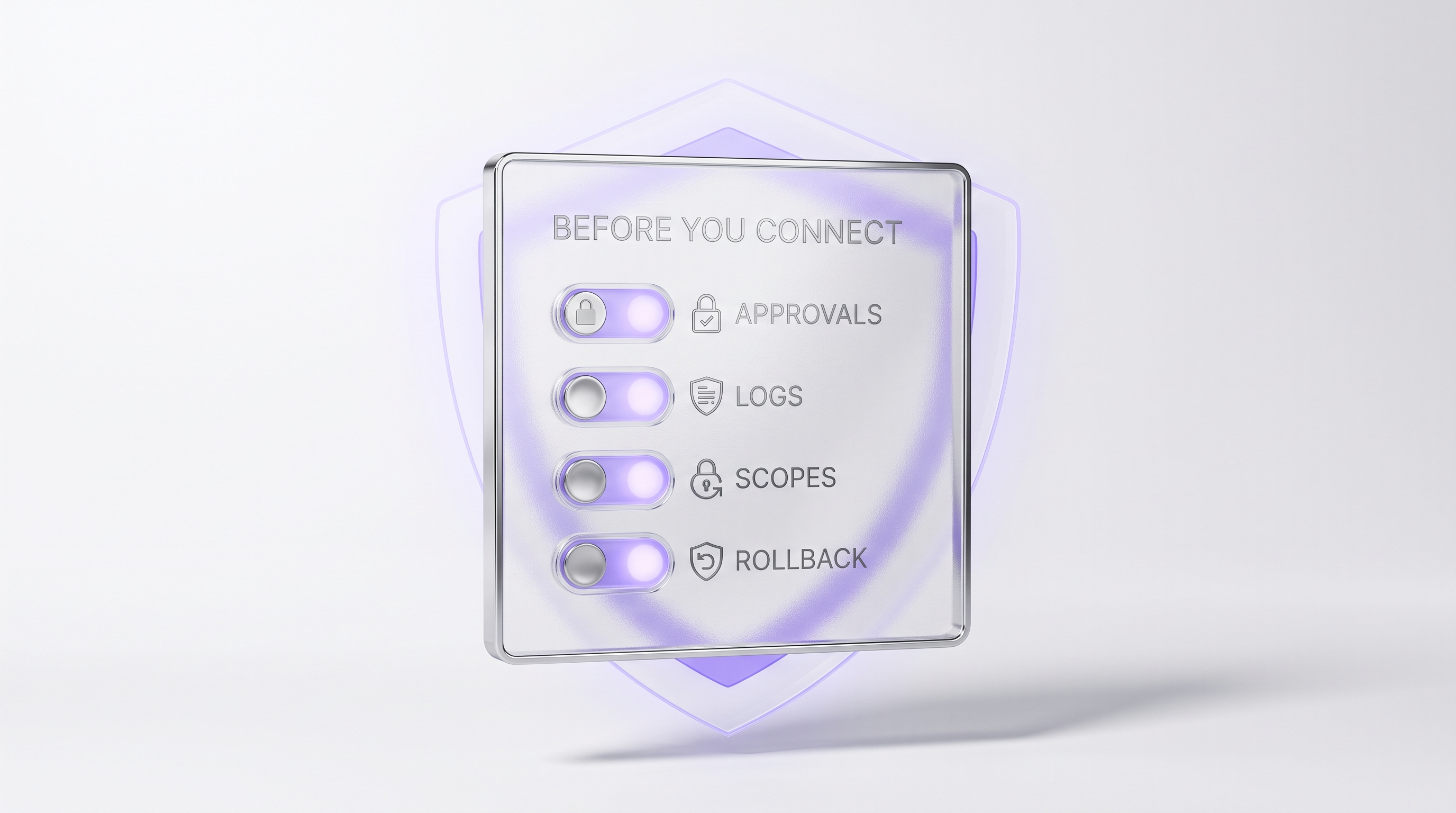
- The vendor promises full autonomy but cannot explain controls. If a product cannot walk you through approvals, logs, permission scopes, and rollback options, walk away. That is the "inadequate risk controls" failure behind Gartner's prediction that over 40% of agentic AI projects will be canceled by the end of 2027.
- Nobody will maintain it. Self-hosting means updates, backups, access controls, and incident response. If no one owns that, do not self-host alone. Use ClearSetup or your internal IT so the maintenance has a name attached.
How to Choose the Best AI Personal Assistant in 2026#
There is no single best ai personal assistant for everyone. There is a best match for your use case, and by this point you can identify yours in about a minute. The category decides the shortlist. The checklist from earlier decides the winner.
One more data point for timing. Gartner predicted that 33% of enterprise software applications would include agentic AI by 2028, up from less than 1% in 2024. Agents are becoming the default interface for work. Learning to run a personal AI assistant now, with proper gates, is how you arrive at that future already fluent. If you want concrete starting points, our guide to the best OpenClaw use cases for your daily routine maps the first workflows worth deploying.
The bottom line: the best AI assistant is the one that removes real recurring work from your week while keeping you in control of every consequential action. For professionals who want a personal AI assistant they own, that points to OpenClaw. For professionals who want ownership without the project, that points to ClearSetup.
Frequently asked questions#
What is a personal AI assistant?
A personal AI assistant is software that understands natural language, remembers relevant context, connects to tools like email and calendar, and helps complete tasks. In 2026, the strongest versions combine memory, account access, proactive schedules, and approval gates.
What is the difference between an AI personal assistant and a chatbot?
A chatbot responds when you prompt it. An AI personal assistant can keep context, use tools, monitor schedules, prepare drafts, and queue actions for approval. The shift is from conversation to delegated work.
What is the best AI personal assistant in 2026?
For research and drafting, ChatGPT, Claude, and Gemini are strong. For a personal AI assistant you own, OpenClaw is the stronger fit because it can run privately, connect across messaging channels, and support memory, tools, sessions, and routing.
What is the best AI assistant for executives?
The best AI assistant for executives is the one that can work across calendar, inbox, files, briefings, follow-ups, and approvals without creating unmanaged risk. For executives who want ownership and private setup, OpenClaw with ClearSetup is a strong path.
Can a personal AI assistant access Gmail and Calendar?
Yes, but access should be intentional. ChatGPT, Gemini, Claude, and OpenClaw-based setups can connect to Google or Microsoft data in different ways. Use least-privilege permissions, approval gates, and a clear setup owner before connecting sensitive accounts.
Can a personal AI assistant act proactively?
Yes. A real assistant can run scheduled routines, monitor for changes, prepare briefings, and remind you when something needs action. It should not make high-risk moves without explicit approval.
Why choose OpenClaw over a subscription chatbot?
OpenClaw is built for people who want a self-hosted AI assistant they can message from multiple channels without relying entirely on a hosted service. The tradeoff is setup complexity, which is why ClearSetup exists.
Is an owned AI assistant safer?
It can be safer when configured well because you control hosting, integrations, permissions, and approval gates. It is not automatically safer. Poor permissions, weak maintenance, or unclear data policies can create risk.
What should approval gates include?
Require approval before sending emails, changing calendar events, posting messages, updating CRM records, making purchases, deleting files, or sharing sensitive information. The assistant should summarize the proposed action before execution.
Do I need ClearSetup to use OpenClaw?
Not if you are comfortable provisioning servers, installing OpenClaw, configuring integrations, setting permissions, and maintaining security. If you want a private AI agent set up professionally and tuned to your workflow, use ClearSetup.
Who should not choose OpenClaw?
Do not choose OpenClaw if you only need occasional drafting or brainstorming. A hosted chat app is simpler. OpenClaw is best when personal work needs private infrastructure, account-level workflows, persistent memory, and messaging-first access.
If you want a personal AI assistant that works across your accounts with memory, approvals, and control, start with OpenClaw. If you want it installed, secured, and tuned for your workflow without managing the technical setup, ClearSetup handles the private VPS, installation, integrations, security, and onboarding for you.
Not sure where to start once it is running? See the best OpenClaw use cases for your daily routine or walk through building your first morning briefing. Your ai assistant should be doing this work by next week.
Want your own OpenClaw AI agent, set up right?
We install, secure, and maintain your personal AI agent on private infrastructure, tuned to exactly how you work. You get the power without managing the setup.
Book Your Free Setup Call→The Owner's Guide to Adopting AI the Right Way
A short, practical guide for entrepreneurs: how to take charge of your AI, what your first AI agent should do, and the mistakes that cost months of rework. Get it free.