How to Build a Daily Morning Briefing with OpenClaw
Use this OpenClaw workflow to pull calendar, email, weather, news, and tasks into one concise morning digest, then pause before any action. Start read-only today, test for a week, and expand only behind approval gates.
A good daily morning briefing replaces the first 20 minutes of app-hopping with one short digest you can read before your first meeting. This guide shows you how to build that briefing in OpenClaw, schedule it for 6:45 AM, deliver it to your work channel, and keep every action behind a human approval gate.
A daily morning briefing is a scheduled digest that pulls calendar events, urgent email, weather, news, and tasks before your workday starts. With OpenClaw, you can run it at 6:45 AM, deliver it to Slack, Teams, Telegram, or email, and require approval before any action.
Most search results for a daily morning briefing send you to a closed app. You sign up, you get someone else's idea of what matters, and you cannot change how it pulls or what it is allowed to do. This guide is different. It gives you a deployable OpenClaw setup you control end to end: the architecture, the source order, the exact cron, a copy-ready prompt, the approval gates, and a seven-day test plan. By the end you can build your own AI morning briefing today.
- A daily morning briefing should pull calendar, tasks, urgent email, weather, and relevant news into one digest you can read in under 3 minutes.
- OpenClaw is the right tool because it runs a scheduled job, collects read-only context, delivers to your channel, and pauses before any write action.
- Schedule it with cron 45 6 * * 1-5 for 6:45 AM on weekdays, or 45 6 * * * for every calendar day.
- Run read-only for the first week. Add draft-only, then approval-gated writes, only after seven clean runs.
- The safety model is simple: the agent summarizes freely, but a human approves before any send, reschedule, create, update, delete, or post.
Build a safer daily morning briefing before your first meeting#
Busy professionals do not need another app to check. They need one short briefing that pulls the right sources before the day starts. The problem is not a lack of information. It is the cost of gathering it across calendar, inbox, task manager, weather, and news every single morning while your attention is freshest.
That cost is measurable. Microsoft found that 64% of surveyed workers struggle with having the time and energy to do their job, and Asana reported that work about work consumes 58% of the average worker's day. A daily morning briefing attacks that overhead directly by doing the gathering for you and handing back a single, decision-ready summary.
- ·Open five apps and scan each for what changed overnight.
- ·Re-read the same calendar and inbox you check all day.
- ·Miss the one urgent email buried under newsletters.
- ·Start the day reacting instead of deciding.
- ▸One digest at 6:45 AM with schedule, decisions, and risks.
- ▸Calendar, tasks, urgent email, weather, and news in priority order.
- ▸Every item cited so you can trust or verify it fast.
- ▸Suggested actions wait behind an approval gate, nothing fires on its own.
OpenClaw is the best fit for this because it can run a scheduled job, collect read-only context from your tools, deliver the result to a channel, and then pause before any action that changes the outside world. The finished workflow in this guide sends a daily morning briefing at 6:45 AM to a Slack channel named #morning-briefing and keeps every downstream action approval-gated.

The automated daily briefing architecture#
Before you build, picture the whole automated daily briefing as four parts: a trigger, a set of read-only inputs, a single delivery output, and a control layer that gates every action. OpenClaw's own automation docs describe scheduled tasks and cron as suited to exact timing, daily reports, reminders, and background jobs, which is precisely what a morning briefing needs.
- 1Trigger: cron 45 6 * * 1-5 in your workspace timezone runs at 6:45 AM, Monday through Friday.
- 2Inputs are read-only: Google Calendar, your task manager, Gmail, a weather API, and selected news feeds.
- 3Output is one digest delivered to Slack #morning-briefing, with an owner-only email fallback.
- 4Control: the agent summarizes automatically but must get approval before send, reschedule, create, update, delete, or post.
OpenClaw's automation page even gives a morning briefing example built from calendar, pending tasks, weather, and overnight emails needing attention, so this is a documented, supported pattern rather than a hack. Your job is to wire the right sources, set the schedule, and lock the control layer before you give the agent any write access.
Pull sources in this order#
Order matters more than people expect. A daily morning briefing should mirror how you actually triage a day: structure first, then commitments, then surprises, then context. Pull the sources in this exact sequence so the briefing prioritizes correctly even on a heavy day.
- 1Calendar firstread-only
Meetings, travel, and focus blocks define the shape of the day. Everything else is read against this skeleton. The Google Calendar API supports listing events for the day window.
- 2Tasks secondread-only
Sort by due date, priority, owner, and blockers. Surface what is due today and what is overdue, not the whole backlog.
- 3Urgent email thirdread-only
Filter for overnight messages, known VIPs, unread threads, and direct asks. The Gmail API supports listing messages for the authenticated user, so you can scope this tightly.
- 4Weather and commute fourthoptional
Include this only if location or travel could affect timing. Skip it entirely for fully remote days.
- 5News and markets fifthoptional
Limit to topics tied to your customers, deals, hiring, or strategy. A general news firehose makes the briefing longer and less useful.
- 6CRM, support, and finance alerts lastrole-based
Add these only for roles that need them. They are the most role-specific and the easiest to over-pull.
Keep each source read-only at this stage. You are listing and summarizing, not replying, editing, or creating. That single constraint is what lets you run this safely on real accounts from day one.
Start read-only, then expand permissions#
The fastest way to turn a promising AI daily digest into an incident is to grant write access before you trust the output. So do the opposite. Week 1 should use read-only scopes for calendar, email, tasks, weather, news, CRM, and support systems. Nothing the agent can do should change the outside world yet.
This is not paranoia. IBM reported that 13% of organizations had breaches of AI models or applications, and 97% of those compromised lacked proper AI access controls. Tight scopes are the control that keeps a convenient briefing from becoming a liability. NIST's AI Risk Management Framework exists to help organizations manage exactly these risks and promote trustworthy AI use.
| Source | Week 1 permission | Later permission | Risk tier |
|---|---|---|---|
| Calendar | Read-only event list | Approval-gated reschedule / create | Medium |
| Read-only message list | Draft, then approval-gated send | High | |
| Tasks | Read-only task list | Draft, then approval-gated create / update | Medium |
| Weather | Read-only API | No write ever | Low |
| News / RSS | Read-only feeds | No write ever | Low |
| CRM / support | Read-only records | Approval-gated note / update | High |
Do not enable send email, edit event, create task, update CRM, or post channel messages beyond the final briefing until your approvals are tested. After seven clean runs, add draft-only permissions for emails and tasks. After that, add approval-gated writes one at a time. This is the safest path from a read-only AI daily digest to a real operator workflow.
Create the scheduled job and channel delivery#
Now wire the automated daily briefing as a real scheduled job. OpenClaw's docs state that scheduled tasks are suited to exact timing, daily reports, reminders, and background jobs, and that scheduled jobs can deliver to a channel, a webhook, or silently. That covers everything this workflow needs.
- 1Create a Scheduled Task named Morning Briefing2 min
In OpenClaw, add a new scheduled task and give it a clear, single-purpose name.
- 2Set the cron schedule and timezone1 min
Use 45 6 * * 1-5 for 6:45 AM Monday through Friday in your work timezone. For a true seven-day daily morning briefing, use 45 6 * * * instead.
cron (weekdays, 6:45 AM)45 6 * * 1-5 - 3Set the delivery target2 min
Point delivery at Slack channel #morning-briefing. If your team lives in Teams or Telegram, map the same output to that channel instead.
- 4Add an owner-only email fallback2 min
Send to the owner by email only when channel delivery fails, so a broken token never silently drops the briefing.
- 5Set run mode to read-only collection plus channel send1 min
Collection and the briefing post are allowed automatically. Every downstream action stays approval-gated.
Copy-ready daily morning briefing prompt#
This prompt is the asset. Paste it into the OpenClaw job instruction field and it turns the agent into a disciplined AI daily digest operator that summarizes without acting. It pulls sources in the right order, caps length, cites everything, and refuses to take action on its own.
You are my OpenClaw morning briefing operator. Build one concise daily morning briefing for today using only approved read-only sources. Pull sources in this order: calendar, tasks, urgent email, weather, news, CRM or support alerts. Keep it under 600 words and readable in under 3 minutes.

Output these sections in order:
- Today at a glance
- Schedule
- Decisions needed
- Urgent email
- Tasks due
- Weather and commute
- News that affects my work
- Suggested actions

Cite the source name for each item. Flag any uncertainty. Do not send messages, create tasks, move meetings, update systems, or post anything except this briefing. If an action looks useful, write "Proposed action" and "Approval required" instead of doing it.
For mobile-first founders, keep a tighter variant in your back pocket: 5 bullets, 3 risks, and 3 suggested actions, each with a source and a confidence level. It reads in under a minute on a phone before you open a laptop.
This prompt design matters because the morning is when the time is most valuable. McKinsey found that interaction workers spend 28% of each day reading, writing, and responding to email, and Microsoft found that 68% of surveyed workers do not have enough uninterrupted focus time. A tight, sourced briefing protects that focus instead of fragmenting it further.
Add approval gates before OpenClaw acts#
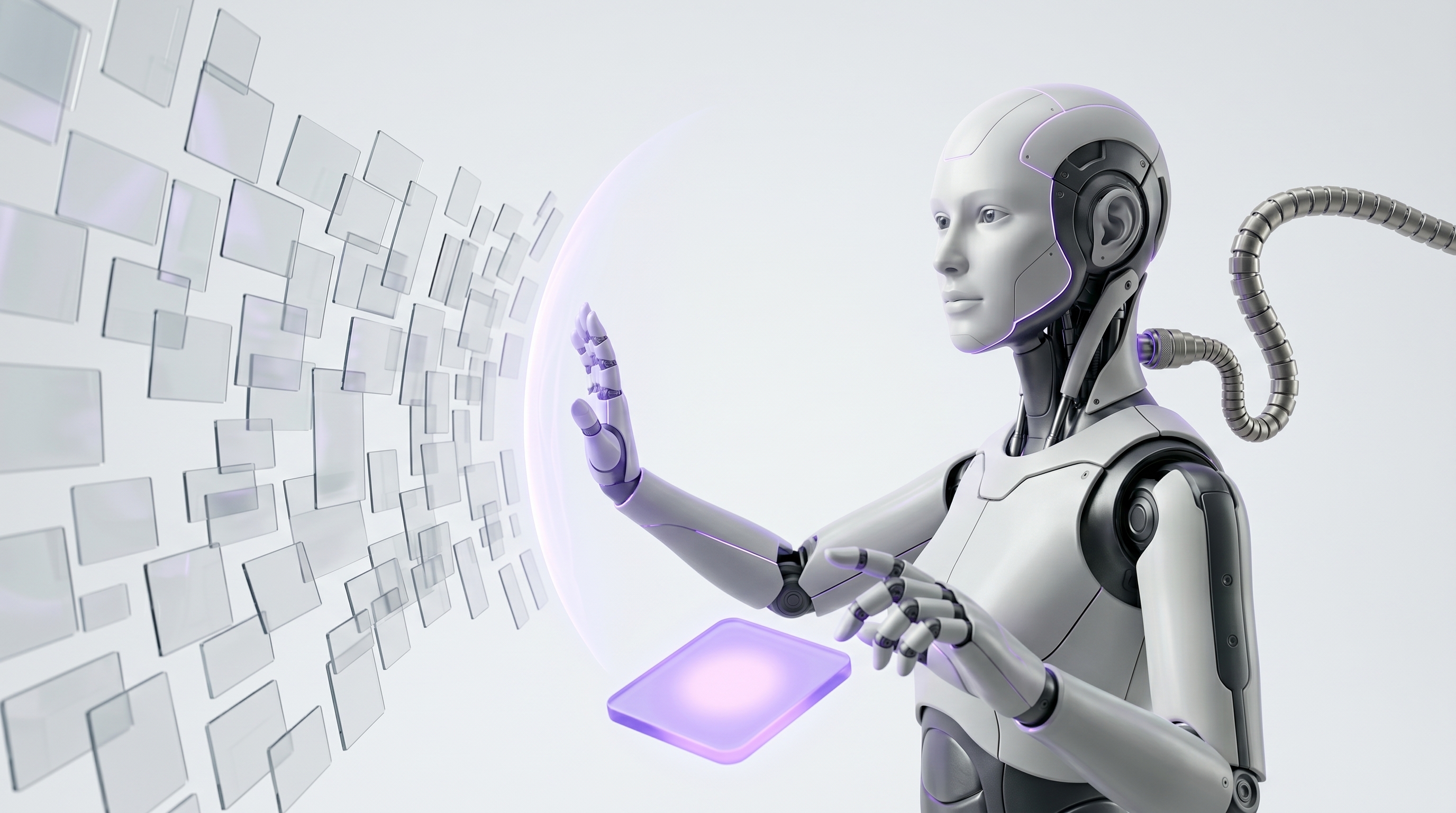
The safety model is one sentence: the AI proposes, the human approves, and OpenClaw executes. Show the briefing freely. Gate every external or state-changing action. OpenClaw's plugin permission requests support allow-once, allow-always, and deny, and a denial blocks the current tool call, which is exactly the control surface you want.
Four rules keep the gate trustworthy:
- Use allow-once for normal actions, deny for anything risky, and reserve allow-always only for low-risk internal repeats you have already watched succeed many times.
- If there is no approval route, or the request times out, block the action by default. A missing human should never become a silent yes.
- Log the proposed action, the source evidence, the approval decision, the actor, and the timestamp. This audit trail is what makes the workflow defensible.
- Treat email and web content as untrusted input. OWASP lists prompt injection and excessive agency as major LLM application risks, so never let text inside a message authorize an action.
Choose the best delivery channel#
Where the briefing lands changes whether you actually read it. Pick the channel that matches how you start your day, and do not overbuild. The point of an automated daily briefing is to reduce app-switching, not add another surface to monitor.
| Channel | Speed | Archive value | Mobile fit | Team visibility | Best for |
|---|---|---|---|---|---|
| Slack | Fast | Medium | Good | High | Operators living in the work hub |
| Microsoft Teams | Fast | Medium | Good | High | Microsoft 365 organizations |
| Telegram | Instant | Low | Excellent | Low | Founders who check mobile first |
| Medium | High | Good | Low | Archiving and forwarding | |
| Webhook | Fast | High | N/A | Custom | Pushing into a dashboard or portal |
| SMS | Instant | Low | Excellent | Low | Bare-minimum mobile alerts |
A few judgment calls. Slack or Teams works best when you want the daily morning briefing inside the hub where work already happens. Telegram or SMS wins for founders who check a phone before opening a laptop. Email is great for archiving and forwarding, but it can bury the briefing in the same inbox you are trying to escape. Webhook delivery is the move when you want the digest inside a dashboard or internal portal.
#morning-briefing plus an owner-only email fallback. It keeps the briefing visible to the right people, mobile-readable, and safe against a single channel failure. This matters when Asana reports the average worker already juggles around 9 apps.Run a 7-day read-only quality check#
Before you grant any write access, prove the AI morning briefing is good while it is still harmless. Run it read-only for seven days and score every run on five dimensions. Only expand permissions after the output is consistently strong and the agent never tried an unapproved action.
- Day 1Baseline run
Score relevance, accuracy, source coverage, brevity, and action safety. Note everything wrong.
- Day 2Tighten sources
Fix empty calendar windows, noisy news feeds, and over-broad email filters.
- Day 3Tune length
Enforce the 600-word cap and the under-3-minute read. Put decisions first.
- Day 4Check citations
Confirm every item names its source and flags uncertainty.
- Day 5Stress the filters
Test a busy day, a holiday, and a timezone edge case.
- Day 6Confirm action safety
Verify zero unapproved action attempts in the logs.
- Day 7Decideapprove
If all seven runs are clean, add draft-only permissions. If not, keep testing.
Track the specific failure signals across the week: missing meetings, false urgent emails, duplicate tasks, stale news, timezone errors, and channel failures. A strong AI morning briefing should be readable in under 3 minutes, cite its sources, flag uncertainty, and never attempt an unapproved action. Microsoft found that 82% of leaders said employees will need new skills like prompting and evaluating output, and this scoring habit is exactly that skill in practice.
Troubleshoot the common failure points#
Most setup problems are predictable, and each has a fast fix. Work this checklist whenever the briefing looks wrong, and the workflow stays deployable instead of fragile.
- Empty calendar: confirm account selection, calendar IDs, the date window, and the timezone. A wrong timezone is the most common cause of a blank schedule.
- Missing Gmail threads: check OAuth scopes, label filters, unread filters, and sender allowlists. Too tight a filter hides the urgent message you actually need.
- Weak news section: limit feeds to high-signal sources and add company, competitor, customer, and market keywords so the section stays relevant.
- Channel did not receive the briefing: verify token permissions, the channel ID, the webhook URL, and the fallback email. This is where the owner-only fallback earns its place.
- Briefing too long: cap the sources, enforce the 600-word limit, and ask for decisions first so the most important content never gets cut off.
- Agent tried to act: disable write tools, review plugin approvals, and block on timeout. Remember that an OpenClaw permission denial blocks the current tool call, so a correct gate stops the action cold.
If a failure mode keeps recurring, treat it as a governance signal, not a one-off. NIST's AI RMF is designed to help organizations manage AI risks systematically, and the same idea scales down to a single workflow: log the pattern, fix the root cause, and re-test before you expand access.
Turn it into your OpenClaw morning routine#
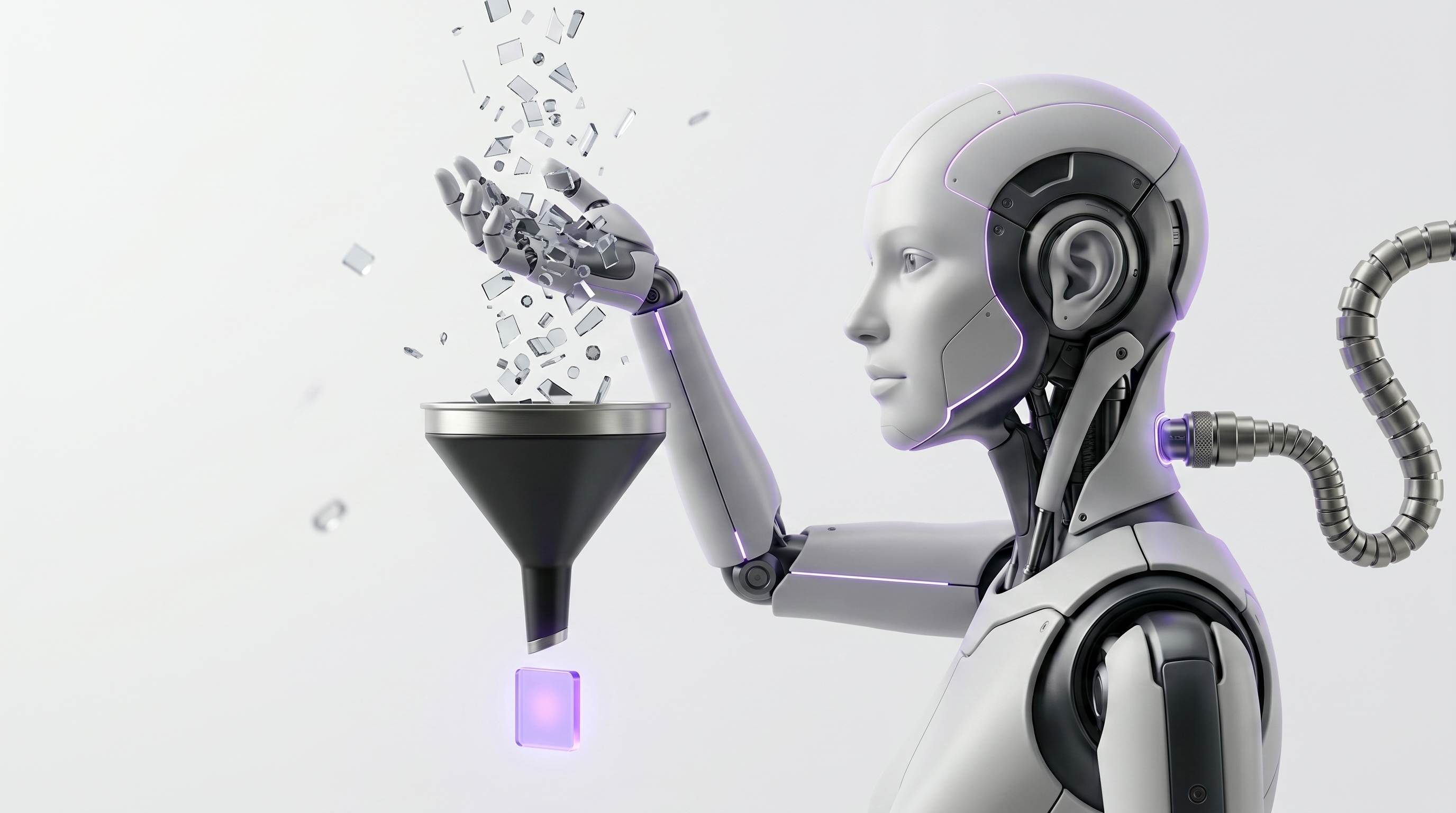
Once the read-only briefing is solid, shape it into a full OpenClaw morning routine that fits your role. The base stays the same. You just add the sources and sections that change what you do that morning.
- Founder version: add investor updates, hiring loops, runway alerts, top customer risks, and board prep.
- Operator version: add incidents, inventory, finance exceptions, team blockers, and process SLAs.
- Sales version: add pipeline moves, renewal risks, VIP emails, meeting prep, and competitor mentions.
The upgrade path is deliberate, and you never skip a gate: read-only digest first, then draft suggestions, then approval-gated actions, then recurring playbooks, and finally monitoring with audit review. McKinsey estimated that current generative AI and other technologies could automate activities absorbing 60% to 70% of employees' time, and that generative AI could add $2.6 trillion to $4.4 trillion annually across analyzed use cases. A safe, approval-gated morning routine is a concrete, low-risk way to start capturing that.
45 6 * * 1-545 6 * * *From here, pair this with the best OpenClaw use cases for your daily routine and see what an end-to-end day looks like in a day in the life of an AI agent. Start read-only, schedule it for 6:45 AM, send it to your main work channel, and turn on approval gates before you give the agent any write access.
Frequently asked questions#
What is a daily morning briefing?
A daily morning briefing is a short scheduled summary of the information you need before work starts, including calendar events, urgent email, weather, news, tasks, and decisions that need attention.
Can OpenClaw create an AI morning briefing automatically?
Yes. OpenClaw can run a scheduled job, pull approved read-only sources, summarize the results, and deliver the AI morning briefing to Slack, Teams, Telegram, email, or a webhook.
What should an automated daily briefing include?
Start with calendar, tasks, urgent email, weather, and relevant news. Add CRM, support, finance, or incident feeds only if they change what you need to do that morning.
What cron schedule should I use?
Use 45 6 * * 1-5 for 6:45 AM Monday through Friday in your OpenClaw workspace timezone. If you want the briefing every calendar day, use 45 6 * * *.
Can the briefing include Gmail and Google Calendar?
Yes. Use read-only access first so OpenClaw can list relevant calendar events and email threads without sending replies, changing meetings, or modifying records.
Should OpenClaw take actions automatically?
No. The safe pattern is summarize automatically and act only after approval. Gate email sends, calendar changes, task creation, CRM updates, webhooks, and public channel posts.
How do I start read-only and expand later?
Run the OpenClaw morning routine read-only for seven days, score the output, then add draft-only permissions. Enable write actions later only behind explicit approval gates.
Is an AI daily digest the same as a morning briefing?
An AI daily digest can summarize any recurring information. A morning briefing is a focused daily digest built around the next workday, priorities, risks, and decisions.
Want your own OpenClaw AI agent, set up right?
We install, secure, and maintain your personal AI agent on private infrastructure, tuned to exactly how you work. You get the power without managing the setup.
Book Your Free Setup Call→The Owner's Guide to Adopting AI the Right Way
A short, practical guide for entrepreneurs: how to take charge of your AI, what your first AI agent should do, and the mistakes that cost months of rework. Get it free.