AI Employee: What Hiring One Actually Looks Like in 2026
An AI employee is not a magic chatbot with a bigger price tag. It is a scoped digital worker you hire, onboard, supervise, and measure like real headcount. Here is the full operating model.
Every vendor now sells an AI employee. Almost none of them tell you how to actually hire one: the job description, the onboarding, the permissions, the reviews. This guide treats the role like a real hire, because that is the only version that works. You will learn what the role can own today, what it must never own alone, what it really costs compared to a person, and when it makes sense to hire an AI employee you own outright.
An AI employee is a role-based software worker with a job description, tool access, memory, standing procedures, and approval gates. It can execute scoped digital tasks across systems, such as CRM updates, scheduling, inbox triage, drafts, and reports, while escalating risky or judgment-heavy decisions to humans.
The 2026 Shift: From AI Tool to AI Employee#
For two years, most businesses used AI the same way: open a chat window, paste something in, copy something out. That is a tool. The shift happening now is different. Owners are giving AI a defined role, controlled access to real systems, standing procedures, and a narrow set of workflows it runs on its own. That is an AI employee, and the difference is not the model. It is the management structure around it.
The adoption data says the trend is real and still early. Census Bureau survey data shows U.S. business AI usage hovering between 17% and 20% from December 2025 to May 2026, with 20% to 23% of businesses expecting to use AI within six months. Meanwhile, Stanford HAI's 2026 AI Index reports that 88% of surveyed organizations used AI in at least one business function in 2025, yet AI agent deployment remained in the single digits across nearly all business functions. Translation: everyone is experimenting, almost nobody has hired yet. That gap is your opening.
One expectation to set before anything else. This kind of hire can create headcount-level leverage on repetitive digital work, but it still needs management: a written scope, least-privilege access, logs you actually read, and a human who owns the outcome. Skip that structure and you have not hired anything. You have unleashed something.
What Is an AI Employee?#
Start with the definition, because the label gets stuck on everything from a phone bot to a spreadsheet macro. When someone asks what is an AI employee, the honest answer has five parts: a role, tools, memory, procedures, and limits. Remove any one of those and you are describing something else.
The distinctions matter because they change what you should buy and how you should manage it. A chatbot answers questions in one interface. It never touches your CRM, your calendar, or your inbox. An AI employee works across systems and takes scoped actions inside them. Basic automation follows fixed rules: if this form is submitted, send that email. It breaks the moment an input does not match the rule. A digital employee can interpret context, choose a branch, and route the exceptions it cannot handle to a person.
Pages that rank for this term today largely agree: current definitions center on role ownership, tool access, memory and continuity, and the ability to take action rather than just chat. Where this guide goes further is the operating model: how you hire, onboard, and manage the thing. If you want the broader taxonomy first, read AI Assistant for Business for the assistant-versus-agent breakdown and Autonomous AI Agents for how much autonomy is actually safe. This post stays focused on the hire.
Write the AI Employee Job Description Before You Buy Software#
Here is the mistake that kills most deployments: buying the software first and defining the job later. You would never hire a person that way. Write the job description first, and the software decision gets dramatically easier, because half the products on your shortlist will not be able to do the job at all.
A real job description for this role covers the same ground as a human one, translated into system terms. Work through it in this order.
- 1Role, mission, and owner
Give it a title and a one-sentence mission tied to a business outcome. Name the human who owns its results. No owner, no hire.
- 2Scoped tasks
List the exact workflows it runs: lead triage, appointment booking, CRM updates, inbox routing, report drafting, follow-up preparation. Narrow beats broad.
- 3Tools it can touch
Name every system it can access: CRM, inbox, calendar, documents, spreadsheets, ticketing. If a tool is not on the list, it does not get a credential.
- 4Exact permissions per tool
For each tool, specify: read, draft, create, update, send, delete, or approve. Reading the CRM and editing the CRM are different jobs with different risks.
- 5Escalation rules
Write the triggers that hand work to a human before launch: low confidence, angry customer, legal or financial question, VIP account, discount request, refund, payment, data deletion, anything outside the SOP.
- 6KPIs that measure approved output
Booked calls, completed CRM updates, first response time, escalation quality, review pass rate, error rate. Measure finished work, not activity.
Notice what this document does. It forces the scope conversation before money moves. It turns "our AI handles sales" into "our AI employee triages inbound leads, drafts the first reply, books qualified calls, and escalates pricing questions." One of those is a strategy. The other is a slogan.
Onboard Your Digital Employee: Integrations, Memory, and SOPs#
Nobody expects a human hire to perform on day one. BLS notes that secretaries and administrative assistants typically learn their duties through on-the-job training lasting a few weeks. Treat your digital employee the same way. The vendors selling instant automation are selling the part they can demo, not the part that makes it work.
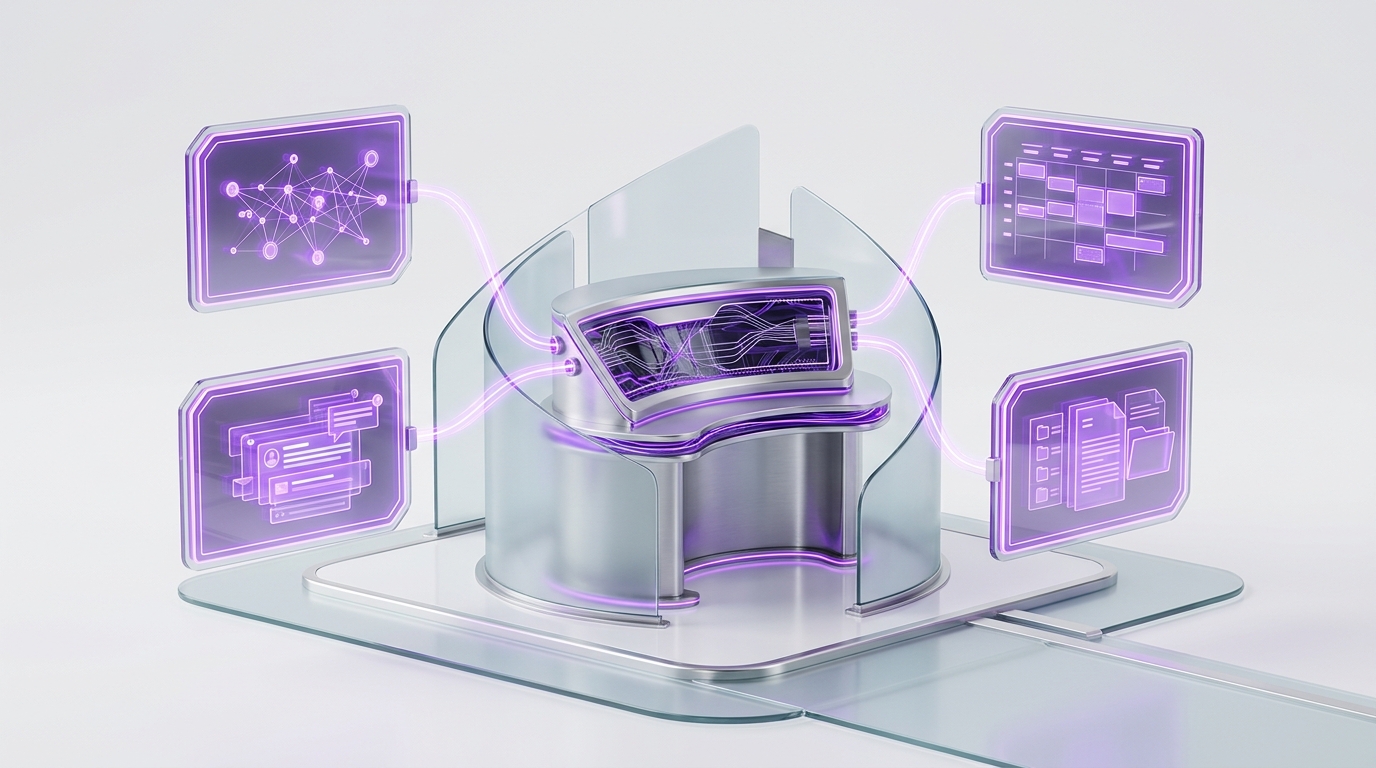
The onboarding sequence that actually works runs in this order:
Three of these steps deserve extra attention. Knowledge base: load your FAQs, offers, pricing rules, policies, tone examples, approved templates, and banned claims. An agent without your knowledge base improvises, and improvisation in front of customers is how you end up apologizing. Memory rules: decide what it can remember across sessions, what it must always cite from source systems instead of recalling, what it must forget, and what requires human confirmation before being treated as fact. Standing procedures: convert each SOP into a repeatable pattern with a trigger, a decision path, an action, an approval gate, a fallback, a log entry, and an owner notification. That last structure is what separates a managed digital employee from a clever demo.
Manage Your New Hire With Approval Gates, Logs, and Reviews#
Once the agent has real credentials, treat it like a privileged user, not a toy. That means service accounts instead of shared logins, least-privilege access, scheduled access reviews, and credential rotation. This is not paranoia. OWASP identifies sensitive information disclosure and excessive agency as major risks for LLM and agentic AI systems, and NIST says generative AI use may warrant additional human review, tracking, documentation, and greater management oversight. The security establishment is telling you the same thing a good operator would: give it access, then watch the access.
Put approval gates in front of every action you could not easily undo or would not want a new hire doing unsupervised: external sends, discounts, refunds, payments, record deletion, contract terms, sensitive data handling, and any non-standard promise to a customer. Everything before the gate is free leverage. The agent reads, sorts, drafts, and prepares without asking. You approve the moment that matters, in seconds, instead of doing the hour of work that led up to it.
Then keep the paper trail. A useful action log records the input, the source data used, the tool call, the draft output, the approver, the final action, the outcome, and any rework or incident notes. Review performance weekly during the pilot, monthly once the role is stable, and audit permissions quarterly. And if external model or API services sit anywhere in the stack, document their data terms rather than assuming. OpenAI states, for example, that by default it does not train models on API inputs and outputs or business products. Other vendors have other answers. Know yours.
What an AI Employee Handles Today, and What Still Needs Humans#
This is where the marketing and the reality part ways. The honest task map has three lanes: work the agent can own today, work it can prepare but a human must approve, and work that stays human. Getting a task in the wrong lane is the single most expensive mistake in this whole category.
| Lane | What belongs here | Why |
|---|---|---|
| Safe to own today | Appointment booking from rules, inbound triage, FAQ responses, lead capture, CRM updates, meeting prep, first-draft replies, daily reports, research summaries, ticket sorting, follow-up drafts | Repetitive, rules-based, reversible, and easy to audit from logs |
| Prepare, then approve | Customer-facing sends, refunds, pricing exceptions, public review replies, sensitive account changes, payment-related actions, vendor commitments | The draft saves the time; the approval carries the brand and compliance risk |
| Still human | Negotiation, strategy, empathy-heavy conversations, messy exceptions, legal judgment, regulated advice, hiring and firing, conflict resolution, final accountability | Judgment, relationships, and accountability do not delegate to software |
And the blunt version of the fantasy check: the role should not replace a department, should not hold unlimited admin rights, and should never own an irreversible decision alone. In any serious ai employee vs human employee comparison, the human wins every judgment-heavy category, and that is fine. You are not hiring a replacement for judgment. You are hiring a tireless processor of the repetitive digital work that was burying the people who have it.
AI Employee vs Human Employee vs Offshore VA: The Honest Cost Math#
Most cost comparisons in this category are sales math: a low SaaS fee against a fully loaded salary, savings declared, case closed. Do the honest version instead. Compare total operating cost against total approved output for each option, using your own numbers.
Start with real benchmarks for the human side:
| Cost line | Human employee | Offshore VA | Owned AI agent |
|---|---|---|---|
| Base cost | Wage or salary (BLS medians above) | Your actual quote or invoice | Implementation plus model or API usage |
| On top of base | Benefits (about 30% of employer cost), payroll taxes, equipment | Tool seats, training, QA, manager review time | Private VPS or local hardware, tool subscriptions |
| Ongoing overhead | Management time, training, PTO coverage | Time zone coordination, rework, turnover risk | Monitoring, human review time, maintenance |
| Hidden risk | Replacement cost when they leave | Quality drift and re-hiring cycles | Failure handling and workflow tuning |
| Availability | Roughly 2,000 hours per year | Contracted hours | Continuous, at whatever cadence you schedule |
Sources for the wage benchmarks: BLS receptionist data, BLS administrative assistant data, and the BLS employer cost release showing benefits at 29.9% of private-industry compensation costs. For the VA column, use your actual invoice, not an internet average, and read AI Virtual Assistant vs Human VA for the deeper VA-specific comparison. This post deliberately does not repeat it.
Then run one formula before you hire an AI employee: implementation cost divided by monthly savings after all AI operating costs equals months to payback. If the payback is under a year on conservative numbers, the hire-versus-salary question usually answers itself for the repetitive lane of work. If it is not, fix the workflow before you automate it.
Rented AI Employee SaaS Features vs an Owned Agent#
The phrase AI employee got popular partly because SaaS platforms started bundling AI features under it. HighLevel, for example, lists AI Employee Unlimited at $97 per month per enabled location, covering unlimited Conversation AI, Voice AI, Reviews AI, and Content AI under fair-use restrictions, while its Agent Studio remains pay-per-use outside any subscription plan. For a business already living inside that platform that wants packaged outcomes fast, that can be a perfectly reasonable buy. No hate here.

But be clear about what you are buying. The SaaS version is a rented feature set. You get the vendor's capabilities, the vendor's limits, the vendor's data model, the vendor's integration pattern, and the vendor's roadmap. An owned digital employee is a different class of thing: the role, procedures, memory rules, logs, permissions, and integration architecture are designed around your business, and they leave with you if you ever change platforms.
| Dimension | Rented SaaS feature bundle | Owned agent |
|---|---|---|
| Control | Vendor's feature set and limits | Your job description and scope |
| Customization | Configuration within the product | Procedures built around your SOPs |
| Permissions | Platform's permission model | Least-privilege map you define per tool |
| Memory | Vendor's data model | Memory rules you set and can inspect |
| Cost structure | Subscription plus usage fees | Implementation plus hosting and usage you control |
| Exit path | Cancel and lose the capability | The agent, procedures, and logs stay yours |
The fair framing: a GoHighLevel-style package can be a smart starter, especially when the packaged feature matches your workflow exactly. It is not the same purchase as an owned OpenClaw agent deployed with your operating model, and pricing pages that blur that line are comparing a rented uniform to a hired worker.
How ClearSetup Deploys an Owned OpenClaw AI Employee#
Everything above is the operating model. ClearSetup's job is executing it so your first digital hire arrives managed, not improvised. The sequence mirrors this article on purpose: the job description, SOP map, permission map, and approval gates all come before the agent gets meaningful autonomy.
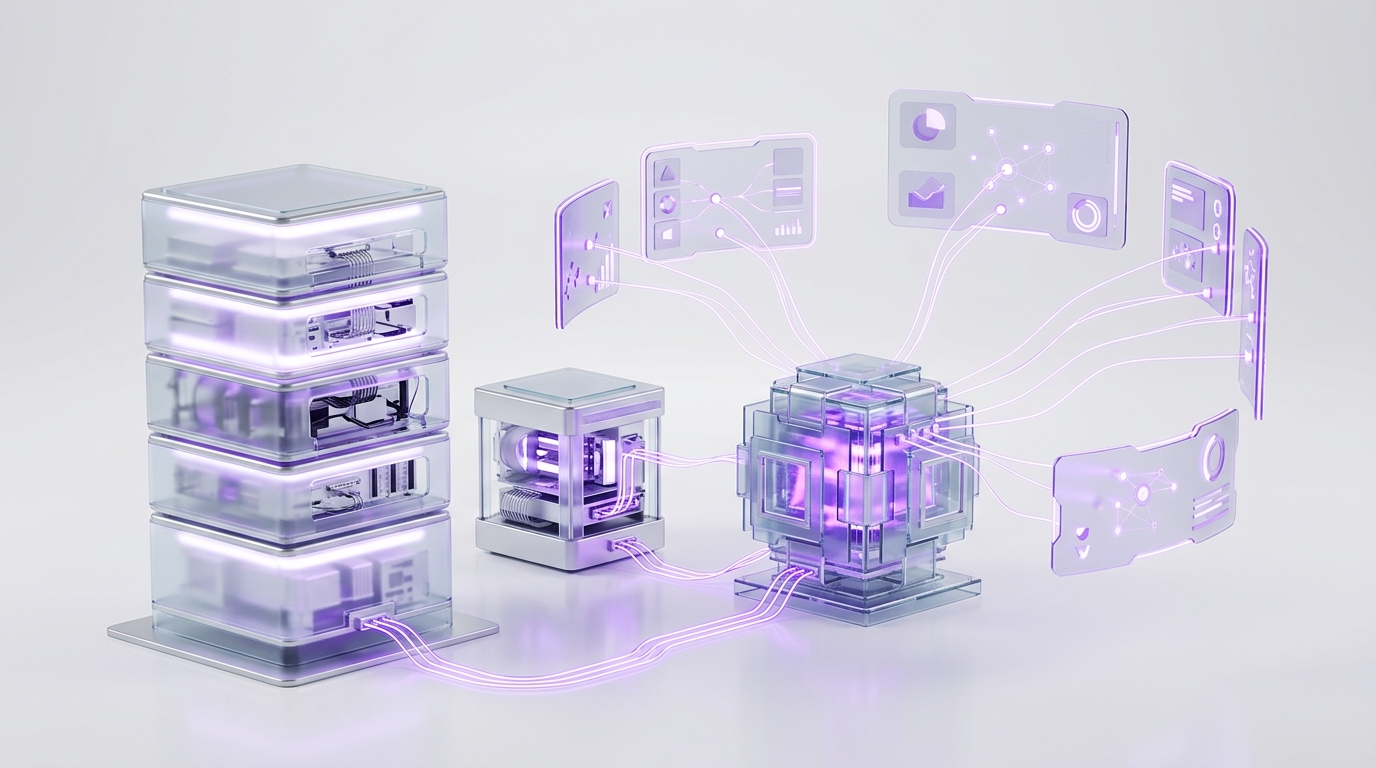
The deployment itself lands on infrastructure you own. ClearSetup deploys your AI employee on a private VPS or your own locally hosted hardware, and you own it. OpenClaw becomes the operating layer: tool access, memory rules, standing procedures, approval gates, logs, and review loops all live in one place you control.
- 1Role design
The job description from this guide, written for your business: scope, tools, permissions, escalation rules, KPIs.
- 2Private deployment
OpenClaw installed on a private VPS or your own locally hosted hardware. The agent, its memory, and its logs are yours.
- 3Integrations and credentials
Email, calendar, CRM, and documents connected with least-privilege scopes and proper service accounts.
- 4Memory and procedures
Memory rules, knowledge base, and standing procedures configured so the agent works from your playbook, not guesses.
- 5Gates, tests, and escalation
Approval gates on sensitive actions, sandbox test cases, and escalation paths, so day one feels managed rather than risky.
If you want to see the full company-wide picture of what an owned agent can run, the deeper playbook is in The Ultimate OpenClaw Guide for Business Owners.
How to Measure Output Before You Hire Another Person#
A human employee gets a performance review. Your AI employee should get a scorecard, and the scorecard should measure approved outputs, not generated drafts. An agent that produces forty drafts nobody uses is not productive. It is noisy.
The quality ratios matter most. A rising approved-without-edit rate means the role is maturing and can absorb more scope. A rising rejection or rework rate means the SOPs or the scope are wrong, and expanding permissions would multiply the problem. Let the numbers make the call, the same way you would for a person.
The First 30/60/90 Days: Probation for Your New Digital Hire#
Frame the rollout as probation, not a launch party. Autonomy is earned through reliable output, exactly like a new hire. Here is the schedule that keeps risk low while trust builds.
- D 1-7Sandbox week
Supervised drafts only, no risky external actions, daily review, rapid SOP cleanup as the misses surface.
- D 8-30Limited autonomyapprove
Low-risk workflows run on their own. Strict approval gates on everything customer-facing. Weekly scorecard and permission fixes.
- D 31-60Earned expansion
Expand scope only where the pass rate is strong. Add integrations slowly. Keep incident logs visible to the owner.
- D 61-90Performance reviewapprove
Full review against the scorecard, quarterly permission audit, retire weak workflows, then decide: expand, pause, or hire human support.
The pace is deliberate. Remember the BLS benchmark from earlier: human admin hires get a few weeks of on-the-job training before anyone expects independent work. Give your digital employee the same runway and you will skip most of the horror stories, which almost always trace back to week-one autonomy on month-three permissions.
Should You Hire an AI Employee for Small Business Now?#
The adoption gap makes this a timing question. In the May 2026 Census BTOS period, less than 20% of firms with four or fewer employees reported using AI, while 37% of firms with at least 250 employees did. Big companies are moving first, as usual. But the small-business advantage is speed: a narrow, well-scoped agent can be hired, onboarded, reviewed, and improved before a traditional hiring process even produces a shortlist. And the appetite is clearly there. OpenAI reported that at least four million people in the U.S. used ChatGPT in March 2026 to help plan, start, run, or grow a business.
The decision checklist for an ai employee for small business is short. Hire when:
- The work is digital, repetitive, rules-based, and measurable, and you already have decent SOPs or at least good examples of it done right.
- You can start with one role, not a company-wide brain. The best first roles: lead follow-up coordinator, front desk assistant, inbox triage clerk, CRM cleanup operator, reporting assistant, or support draft specialist.
- Someone will actually read the logs and run the reviews. An unmanaged agent is a liability with a login.
And do not start if the data is messy, the process changes daily, or the workflow runs on deep human judgment. Fix the process first. An AI employee pointed at chaos produces faster chaos, and no amount of model quality changes that.
AI Employee: Frequently Asked Questions#
What is an AI employee?
An AI employee is a scoped digital worker with a job description, tool access, memory, procedures, approval gates, logs, and a human owner. It completes repeatable digital workflows and escalates risky or judgment-heavy decisions to people.
How is an AI employee different from a chatbot?
A chatbot mainly answers questions in one interface. An AI employee also works across tools like CRM, email, calendar, documents, tickets, and spreadsheets, then takes approved actions inside defined permissions.
What can an AI employee actually do today?
Strong current tasks include lead triage, appointment booking, inbound message sorting, CRM updates, support drafts, FAQ replies, meeting prep, research summaries, follow-up drafts, review response drafts, and daily reports.
What should an AI employee not do?
It should not make irreversible high-risk decisions alone. Put refunds, payments, data deletion, legal or financial advice, sensitive HR matters, non-standard pricing, and public brand-risk replies behind approval gates.
How much does it cost to hire an AI employee?
Cost depends on the model: SaaS subscription, custom agent, managed deployment, or owned infrastructure. Include implementation, model or API usage, private VPS or local hardware costs if owned, tool subscriptions, maintenance, and human review time.
Is an AI employee cheaper than a human employee?
Often, but not automatically. The honest ai employee vs human employee comparison includes salary, benefits, setup, software, usage, review time, rework, risk, and the value of human judgment on the work that stays human.
Is an AI employee the same as a virtual assistant?
No. A human VA brings judgment, relationship context, and nuance to messy situations. An AI employee is stronger on repeatable digital workflows inside clear permissions. For the full comparison, read AI Virtual Assistant vs Human VA on this blog.
Should I buy SaaS AI employee features or own an agent?
Buy SaaS when a packaged feature matches your workflow and speed matters most. Own an agent when you need custom SOPs, deeper integrations, controlled memory, approval gates, logs, and deployment on a private VPS or your own locally hosted hardware.
Is an AI employee safe to connect to business tools?
It can be, if you treat it like a privileged user: least privilege, service accounts, careful secrets handling, approval gates, action logs, access reviews, and a clear escalation path. Never grant broad admin access on day one.
What is the best first AI employee for small business?
Start with one repetitive revenue or admin workflow: lead triage, appointment booking, inbox routing, CRM cleanup, customer FAQ drafts, or daily reporting. Pick a workflow with clean inputs, clear rules, measurable output, and low-risk escalation.
The Bottom Line on Hiring an AI Employee#
The category is noisy, but the playbook is not. An AI employee is a hire, and everything that makes a human hire work makes this one work: a written role, real onboarding, supervised probation, honest measurement, and a manager who pays attention. The businesses getting headcount-level output from a digital employee in 2026 are not the ones with the fanciest model. They are the ones with the clearest job description.
- An AI employee is a role with tools, memory, procedures, and limits, not a chatbot with a salary pitch.
- Write the job description before you buy software: scope, tools, exact permissions, escalation rules, KPIs.
- Onboard like a real hire: least-privilege access, knowledge base, memory rules, sandbox first, pilot second.
- Gate everything you could not easily undo. Drafting is free; sending, spending, and deleting wait for approval.
- Run the honest three-column cost math with your own numbers, and measure approved output, not generated drafts.
- Rented SaaS features are a starter. An owned agent on a private VPS or your own hardware is the operating model you keep.
ClearSetup deploys your owned OpenClaw AI employee on a private VPS or your own locally hosted hardware, then configures the job description, integrations, memory, approval gates, logs, and reviews before autonomy expands. Book a free setup call and pick the first role to fill.
Want your own OpenClaw AI agent, set up right?
We install, secure, and maintain your personal AI agent on private infrastructure, tuned to exactly how you work. You get the power without managing the setup.
Book Your Free Setup Call→The Owner's Guide to Adopting AI the Right Way
A short, practical guide for entrepreneurs: how to take charge of your AI, what your first AI agent should do, and the mistakes that cost months of rework. Get it free.