Build a Personal Research Assistant with OpenClaw
OpenClaw can turn scattered searches into an approval-gated research system. Use this workflow to define the question, gather credible sources, synthesize with citations, and save only verified conclusions.
Most AI research assistant tools stop at a tidy summary. A personal research assistant should go further: define the question, gather credible sources, draft a cited brief, and save only the conclusions a human approved. With OpenClaw you can run that whole loop as one repeatable system instead of a pile of open tabs.
A personal research assistant is a repeatable OpenClaw workflow that turns a question into sourced notes, cited synthesis, and approved conclusions. The research agent gathers sources, extracts claims, drafts the brief, and saves verified findings to your knowledge base while you approve every decision.
This guide is not another "best AI research assistant tools" list. It is the operating procedure that those lists skip. You will get a research brief template, a permission setup, a source-gathering and citation step, a citation-forced synthesis prompt, a hallucination checklist, and a save-to-knowledge-base routine. The thread that holds it together is simple: the research agent drafts, and you approve the conclusions before anything is saved.
- A personal research assistant is a workflow, not a tool. The same brief, citation ledger, and approval gate run every time.
- OpenClaw research works best when the agent reads and drafts freely but pauses for scope, source, and save approval.
- Force a citation after every factual claim, then verify each URL by hand so hallucinated facts never reach your knowledge base.
- Use least-privilege permissions: read approved sources, write only to a draft folder until you approve.
- Save only approved conclusions, with the citation ledger and raw sources attached, so future OpenClaw research starts from verified memory.
Why build a personal research assistant with OpenClaw#
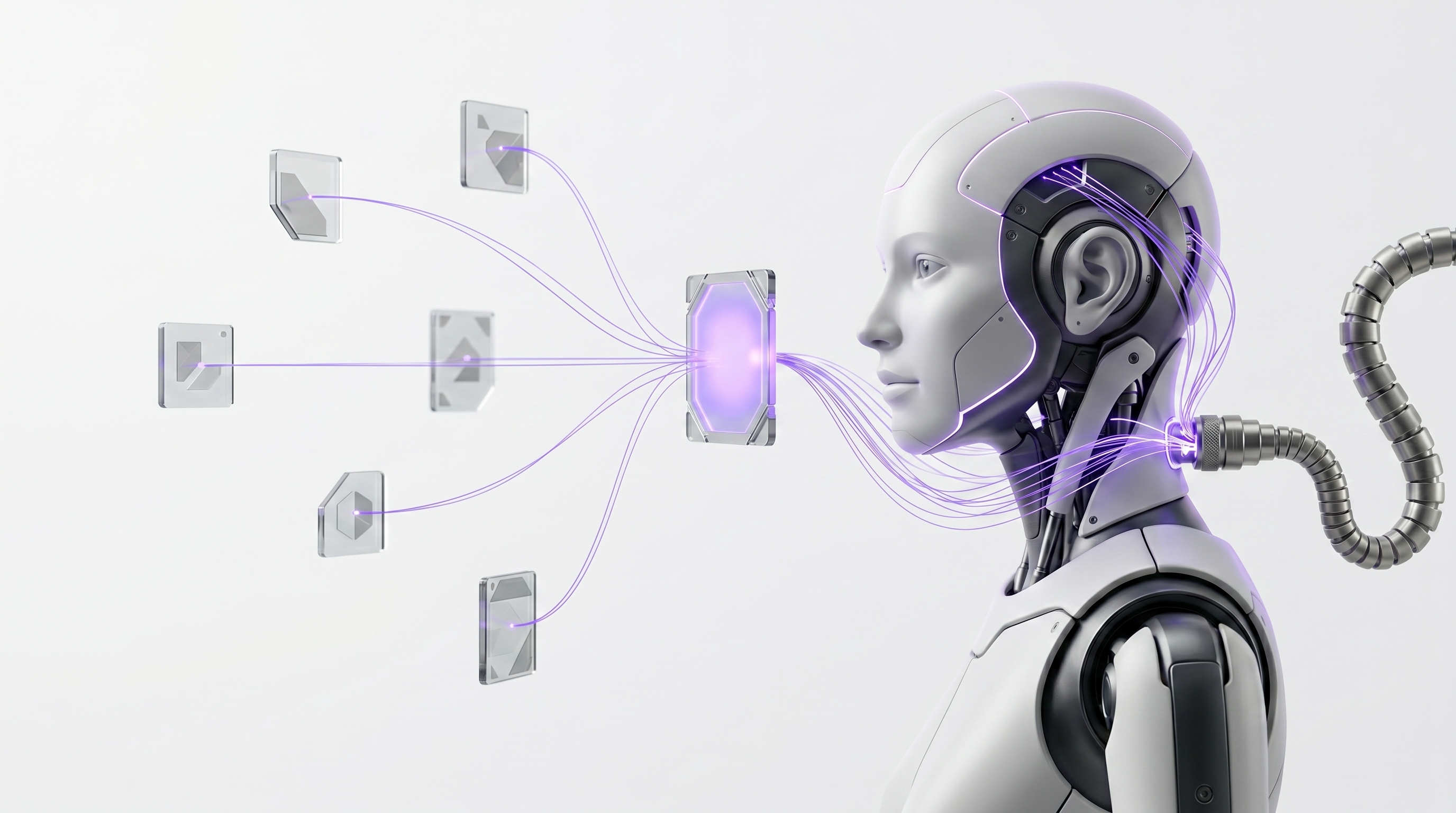
A chatbot can answer a prompt. A research agent can search, read, route the output, and pause for approval. That gap is the whole point. OpenClaw research turns a one-off question into a decision workflow, because the agent can collect sources, build a citation ledger, draft the synthesis, and update your knowledge base while you stay in control of every step.
OpenClaw fits this role for a few concrete reasons. Its own docs describe it as open source, model agnostic, built to run on your own private server, and made for people who want to keep control of their data rather than rent a vendor's black box. TechRadar describes OpenClaw as an open-source AI agent that runs on your own hardware and connects large language models to the everyday software and services you already use. That combination is what lets a personal research assistant read your files, browse the web, and write to your notes without sending your research into someone else's cloud.
The real win is not raw speed. It is repeatability. Same brief, same citation rules, same approval gate, same knowledge-base update, every single time. For a founder sizing a market or an analyst prepping a memo, that consistency turns OpenClaw research into a dependable process instead of a scramble.
- ·Twenty open tabs, no record of which claim came from where
- ·Summaries you cannot trace back to a source
- ·Conclusions saved before anyone checked the citations
- ·No reusable process, so the next question starts from zero
- ▸One brief defines the decision before any search begins
- ▸Every claim carries a citation you can open and verify
- ▸You approve the conclusion before it enters your knowledge base
- ▸The same workflow runs again next week with no setup
The personal research assistant workflow: agent drafts, you approve#
Before the step-by-step build, here is the whole operating model. One automated research workflow runs from start to finish: define the decision, gather sources, extract claims, synthesize, verify citations, approve conclusions, then save. The research agent does the heavy lifting at each stage, and you hold the approval gates.
OpenClaw should propose the plan first and pause for scope approval before it searches. After that, every handoff gets its own gate: a source-list approval, a synthesis approval, and a save approval. This mirrors how OpenAI describes its deep research workflow, where the user describes an outcome, chooses sources, reviews a proposed plan, monitors progress, and receives a cited report. IMDA's agent guidance backs the same instinct: require human approval before an agent takes high-stakes or irreversible actions.
- 1Start from a decision, not a vague topic, so the research agent knows what "done" means.
- 2OpenClaw collects sources before it summarizes anything, building a citation ledger as it goes.
- 3Each claim is tied to one source, so weak or missing evidence is visible at a glance.
- 4Synthesis happens only from approved sources, with a citation after every factual claim.
- 5You approve the conclusion before it is saved, so only verified findings become memory.
Step 1: use this research brief template#
Great research starts with scope, not search. A vague prompt produces a vague brief, so the first job of your AI research assistant is to lock the question before it touches the web. Paste this template into OpenClaw and require it to confirm the brief before source gathering begins. OpenAI's deep research flow includes exactly this beat: review or modify a proposed plan before the work proceeds.
- 1Research question2 min
State the single decision or recommendation this research will answer.
- 2Context2 min
Name the audience, deadline, decision owner, and what changes once you have the answer.
- 3Scope3 min
Set geography, date range, source types, must-include sources, excluded sources, and a confidence threshold.
- 4Output2 min
Specify a one-page brief, evidence table, risks, open questions, recommendation, and the knowledge-base destination.
- 5Approval gate1 min
Require OpenClaw to confirm the brief and wait for your approval before any search runs.
brief approval promptHere is my research brief. Restate the decision, scope, and output format in your own words. List any ambiguity you see. Do not search or gather sources until I reply "approved".
The payoff is focus. When the scope is explicit, the research agent stops chasing tangents, and your final brief answers the decision you actually care about. This is the cheapest place in the whole automated research workflow to prevent wasted effort.
Step 2: configure OpenClaw research permissions#
A capable research agent should not be an over-privileged one. The goal is to make OpenClaw research powerful without handing the agent more access than the job needs. Start with a dedicated workspace, dedicated accounts, and least-privilege access, then widen only when the logs show stable behavior.
OpenClaw docs say skills run in isolated sandboxes with fine-grained permissions and require review and approval for what each skill can access. IMDA recommends dedicated identities, accounts, tokens, and datasets for agents instead of reusing your personal credentials. MATRA, a 2026 OpenClaw case study, argues that network sandboxing and least-privilege access reduce risk by limiting the blast radius of a successful prompt injection. Treat untrusted web pages and documents as exactly that: untrusted input.
- Give the agent read access to approved source folders and write access only to a draft research folder until you approve the final output.
- Use source allowlists for high-stakes decisions, and keep web browsing separate from private files where you can.
- Turn on human approval for browser actions, file writes, external messages, API calls, and knowledge-base updates.
Step 3: source-gathering and citation step#
Source collection should be a structured, reviewable stage, not an invisible step buried inside a summary. Ask OpenClaw to build a source list before it synthesizes anything. OpenAI says deep research can access the public web and uploaded files by default, plus connected apps or authenticated sources when enabled, so define which of those your research agent may touch.
For each source, capture the title, URL, author, publisher, date, access date, source type, the claim it supports, and one key quote. Then separate primary sources, expert analysis, vendor claims, news coverage, and forum signals so weak evidence is visible instead of hidden. Tools in this space lean on this idea: Google NotebookLM lets users search for sources from the web or Google Drive with Fast Research, and Elicit describes semantic search that does not require you to know all the right keywords. Your job is to make the list reviewable.
Reject sources that are stale, anonymous, circular, or not directly tied to the research brief. Then approve the source list before anyone moves to synthesis. This single gate is what keeps a weak citation from quietly becoming a "fact" later.
Step 4: use a synthesis prompt that forces citations#
Now make every claim traceable. The synthesis step is where an AI research assistant is most tempted to smooth over gaps, so the prompt has to forbid it. OpenAI's deep research workflow returns a structured report with citations or source links, and you want the same discipline here: a citation after every factual claim, and no invented sources.
Citation-forced synthesis
Synthesize the answer using only the approved source list. After every factual claim, add a citation in parentheses with the source title and URL. If no approved source supports a claim, place it under Open questions instead of stating it. Separate Consensus, Disagreement, and Implications. Build a claim-to-source table with one row per important claim. Mark each claim confidence High, Medium, or Low based on source quality, not writing style. Show contradictions before any recommendation. Do not invent citations.- ▸Before the synthesis is accepted as the working draft
- ▸Before any claim moves out of Open questions
- ▸Before the brief is saved anywhere
- !Invented citation: require that every URL come from the approved list and reject new ones.
- !Confident-but-unsourced claim: force a no-source no-claim rule that routes it to Open questions.
- !Smoothed-over disagreement: require a separate Disagreement section before recommendations.
- !Confidence by tone: grade confidence on source quality, not how fluent the sentence sounds.
Ask the AI research assistant to show contradictions before recommendations, and require the claim-to-source table so you can audit the brief row by row. Confidence should reflect source quality, not how polished the prose reads. A fluent sentence is not evidence.
Step 5: how to avoid hallucinated facts#
Verification is the trust mechanism, and it has to happen before you approve any conclusion. Grounding helps, but it is not a guarantee. Stanford-linked research on AI legal research tools found that legal retrieval-augmented systems reduced hallucinations compared with general-purpose GPT-4, yet hallucinations still remained substantial. In other words, citations narrow the risk but never erase it, so you check the work by hand.
- 1No source, no sentence
Do not approve any sentence that lacks a source, a quote, or a clearly marked assumption.
- 2Open every cited URL
Confirm the page exists and that it supports the exact claim, not a loosely related one.
- 3Check the source itself
Verify publication date, author credibility, original-source status, and whether it is just summarizing someone else.
- 4Quarantine the unsupported
Move unsupported claims to Open questions instead of polishing them into the brief.
- 5Keep bad drafts out of memory
Never let unverified drafts enter persistent memory, so a bad fact cannot contaminate future OpenClaw research.
That last step matters more than it looks. A 2026 OpenClaw safety analysis reports that poisoning one persistent-state dimension increased average attack success from 24.6% to a range of 64% to 74%. The lesson for research is direct: keep unverified drafts out of persistent memory so a single bad fact cannot quietly steer everything you do next.
Step 6: create an approval-ready research packet#
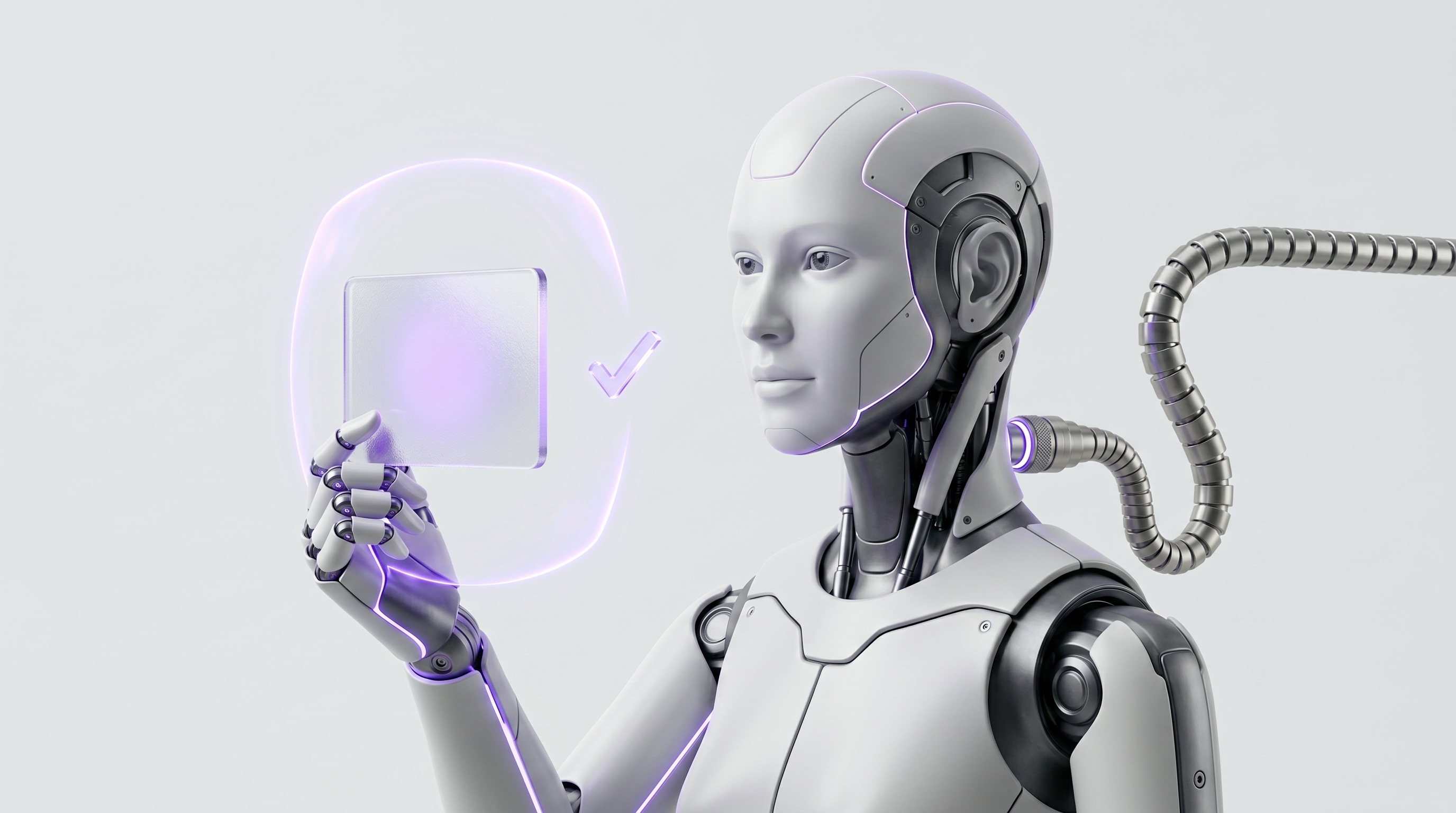
Synthesis is not the finish line. Convert it into a decision artifact a human can approve, revise, or reject. Have the research agent output an executive summary, an evidence table, a recommendation, counterarguments, risks, the source list, and open questions, then add a clear approval line. IMDA's guidance is explicit that human approval should come before high-stakes or irreversible actions, and saving a conclusion into your source of truth qualifies.
- 1The summary states the recommendation plainly so the decision owner can act fast.
- 2The evidence table lets a reviewer audit each claim against its source in one pass.
- 3Counterarguments and risks force the agent to show the other side before you commit.
- 4The packet ends with three choices, plus what would change the recommendation.
- 5Only an approved brief is cleared to move into your knowledge base.
Add an approval line with three choices: approve, revise, or reject. Require the agent to explain what would change its recommendation, because a recommendation with no failure condition is a guess in a suit. Only approved conclusions move into your source of truth, and OpenAI's deep research pattern supports this by delivering a structured report with citations or source links for verification.
Step 7: run the save-to-knowledge-base step#
The final move turns approved research into durable memory. After approval, save the final brief, the citation ledger, the source files, and the prompt history to Notion, Obsidian, Google Drive, Zotero, or whatever knowledge base you trust. OpenClaw docs note that it runs on infrastructure you control and is designed so users keep their data and avoid vendor lock-in, and TechRadar confirms it can read and write files, send messages, browse the web, execute scripts, and call external APIs. That is what lets the save step happen inside your own systems.
- 1Save the brief as a short evergreen note: conclusion, evidence, caveats, and links back.
- 2Keep the citation ledger beside the note so the trail survives long after the project.
- 3Store the raw sources, so a future review can re-check the original evidence.
- 4Apply stable tags: topic, decision, source type, date, confidence, owner, next review date.
- 5The save itself is gated, so only approved, tagged research becomes organizational memory.
- Use stable tags: topic, decision, source type, date, confidence, owner, and next review date, so the note stays findable.
- Create a short evergreen note that captures the conclusion, the evidence, the caveats, and links back to the raw sources.
- If you have not built the destination yet, connect this workflow to the guide to create a personal knowledge base.
Research agent use cases for analysts and founders#
The same workflow maps onto real business decisions, not just academic reading. Built In describes OpenClaw as a local agentic platform that runs in the background, retains context, and automates workflows across apps and services, and TechRadar notes it can read and write files, browse the web, send messages, execute scripts, and call APIs. That range is what makes one research agent useful across very different decisions.
| Use case | What the research agent gathers | Decision it supports |
|---|---|---|
| Market scan | Category data, competitor claims, analyst reports, customer language | Where to play and how to position |
| Vendor evaluation | Feature claims, pricing pages, security docs, reviews, contract risks | Which tool to buy and on what terms |
| Customer research | Calls, survey comments, support tickets, public reviews | What to build or fix next |
| Investment memo | Market signals, risks, comparable companies, dissenting evidence | Whether to fund before partner review |
| Policy brief | Regulatory sources, stakeholder positions, timelines, evidence gaps | How to respond to a rule change |
In every row, the pattern holds. Gather sources with citations to the original files, synthesize with confidence grades, surface the disagreement, and hold the conclusion at the approval gate. The decision owner still owns the judgment. The research agent just makes the evidence fast to assemble and easy to audit.
Your first automated research workflow checklist#
Here is the short path into OpenClaw today. Keep it scoped, keep it gated, and reuse the same checklist every week. MATRA argues that least-privilege access and network sandboxing reduce agent risk by limiting the blast radius of a successful prompt injection, and IMDA recommends human approval before high-stakes or irreversible actions, so this checklist bakes both in.
Build a source list with title, URL, author, date, type, claim supported, and one quote. Do not synthesize until I approve the list.Synthesize using only approved sources. Cite (title + URL) after every factual claim. Unsupported claims go under Open questions. Do not invent citations.Frequently asked questions#
What is a personal research assistant?
A personal research assistant helps you turn a question into sources, notes, cited synthesis, and saved conclusions. With OpenClaw, the assistant runs the repeatable workflow while you approve the scope, the sources, the claims, and the final recommendation.
What is the difference between an AI research assistant and a research agent?
An AI research assistant may summarize and answer questions. A research agent can plan steps, gather sources, use tools, update files, and pause for approval. OpenClaw is well suited because it connects models, skills, channels, and local workflows in one place.
Can OpenClaw build an automated research workflow?
Yes. OpenClaw can coordinate source gathering, citation capture, synthesis, verification, and the save-to-knowledge-base step. The safest setup keeps the agent scoped, uses least-privilege permissions, and requires human approval before any write or final conclusion.
How do I avoid hallucinated facts?
Force a citation after every factual claim, verify each URL by hand, capture supporting quotes, separate assumptions from evidence, and reject any conclusion the source does not support. Never let unverified drafts enter persistent memory.
Are AI-generated citations reliable?
They are useful starting points, not proof. Open each citation, confirm it exists, check the date and author, and verify that the cited passage supports the exact claim before you approve the brief.
What should go in the research brief template?
Include the decision, the question, the audience, the deadline, the scope, preferred source types, excluded sources, the output format, the confidence threshold, the approval owner, and the knowledge-base destination.
Where should I save approved research?
Save approved research in a searchable knowledge base such as Notion, Obsidian, Google Drive, Zotero, or a source-of-truth folder. Store the final brief, the citation ledger, the raw sources, and the review date together.
Can a research agent replace a human analyst?
No. It can speed up collection, extraction, and drafting, but the human still owns judgment. The strongest workflow is agent drafts, human verifies, human approves.
You now have the whole loop: define the decision, gather sources, force citations, verify every claim, approve the packet, and save only what cleared the gate. Pick one live decision and run it through OpenClaw today.
Want the next piece? Read create a personal knowledge base to build the destination, then see AI agent multi-step tasks to chain research into larger workflows.
Want your own OpenClaw AI agent, set up right?
We install, secure, and maintain your personal AI agent on private infrastructure, tuned to exactly how you work. You get the power without managing the setup.
Book Your Free Setup Call→The Owner's Guide to Adopting AI the Right Way
A short, practical guide for entrepreneurs: how to take charge of your AI, what your first AI agent should do, and the mistakes that cost months of rework. Get it free.